
Juggling customer records, job tracking, and field operations with separate apps creates errors and wastes billable hours for contractor teams. Many generic CRMs lack trade-specific tools for dispatch, project accounting, or mobile crew updates, so contractors must extend systems with costly add-ons or heavy customization. This comparison covers features, integrations, and pricing across five CRM alternatives, so contractor teams can pick a platform that fits their field and back office needs.
Table of Contents
Firmanager
At a Glance
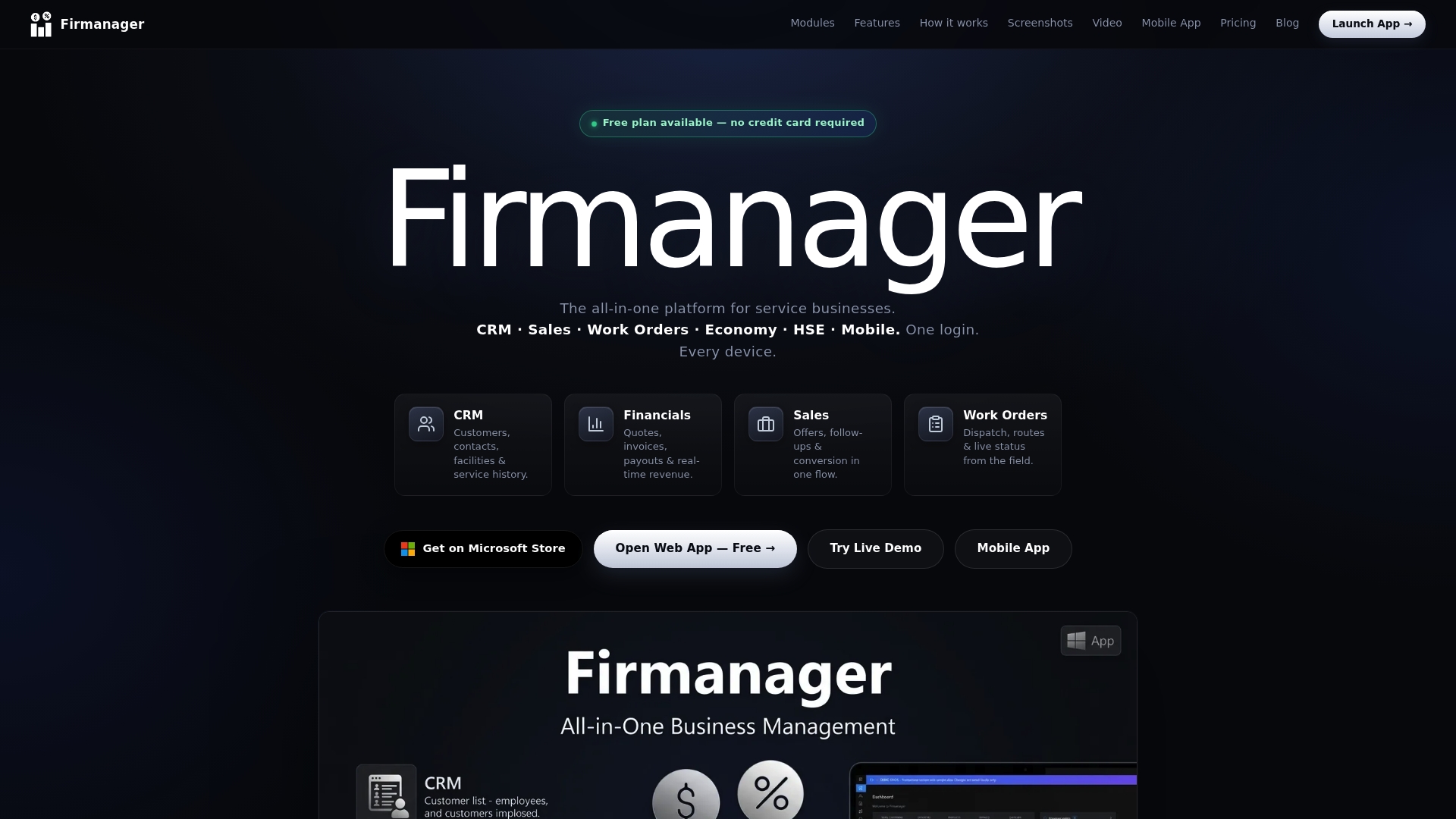
Firmanager includes HSE management with in-app risk assessments and incident reporting built into its field service tools. The platform supports web, desktop, and mobile apps so field teams can update jobs from site. A free plan exists, with paid Pro and Business tiers for larger teams.
Core Features
Firmanager centralizes CRM for customer and facilities records, contract tracking, and sales invoicing with PDF generation and multi currency support. The platform handles work order creation, dispatch, live status updates, route planning, and workflow management while showing real time KPIs and business feeds. It also offers a mobile employee self service portal, work order management, and integrated payments via Stripe with cloud sync to Firebase and role based access control.
Key Differentiator
Firmanager combines field service operations, CRM, sales invoicing, and HSE compliance into the same cloud based system tailored for service businesses. That fusion keeps customer records, job execution, billing, and safety documentation in one place so teams avoid copying data across separate tools. The product focuses on operational continuity between office dispatch and field technicians.
Pros
Firmanager reduces the number of separate tools you must run by grouping CRM, invoicing, dispatch, and safety into a single platform. Cloud sync and real time dashboards let coordinators see job status and KPIs as technicians update tasks from the mobile app. The mobile portal gives field staff access to job details, photos, leave requests, and payslips which cuts back office calls. A free tier lets small teams test workflows before upgrading to paid plans.
Cons
- Dependent on stable internet for full functionality, which can hamper crews in low coverage areas.
Notable Integrations
Firmanager connects payments through Stripe for card and online payment processing. The platform also uses Firebase for cloud synchronization of data across devices. Those integrations focus on payments and real time sync rather than deep ERP connectors.
Who It's For
Firmanager fits service businesses that manage field operations and need CRM plus dispatch in one system. Small to medium enterprises that invoice customers, assign work to technicians, and require mobile job updates will find the feature set relevant. Companies that must document safety compliance and risk assessments on every job gain particular value from the HSE tools.
Unique Value Proposition
A mobile employee portal that supports work logging, job photos, leave, and payslips reduces administrative friction between field staff and office teams. That single capability speeds status updates, shortens invoice cycles, and lowers the number of manual status calls to the office. For teams with frequent on site changes, the portal turns technician updates into immediate office action.
Real World Use Case
A property maintenance company schedules recurring inspections in the dashboard, dispatches crews with route plans, and tracks completion in real time. Field technicians open the job on their phones, add photos, and mark tasks done so the office can generate invoices the same day. The HSE log stores incident notes and risk assessments alongside the job record.
Pricing
Firmanager has a free plan and two paid tiers. Pro starts at $19/month and Business starts at $49/month. Pricing is per account tier and scales with team capacity and required features.
Website: https://firmanager.cloud
DripJobs
At a Glance
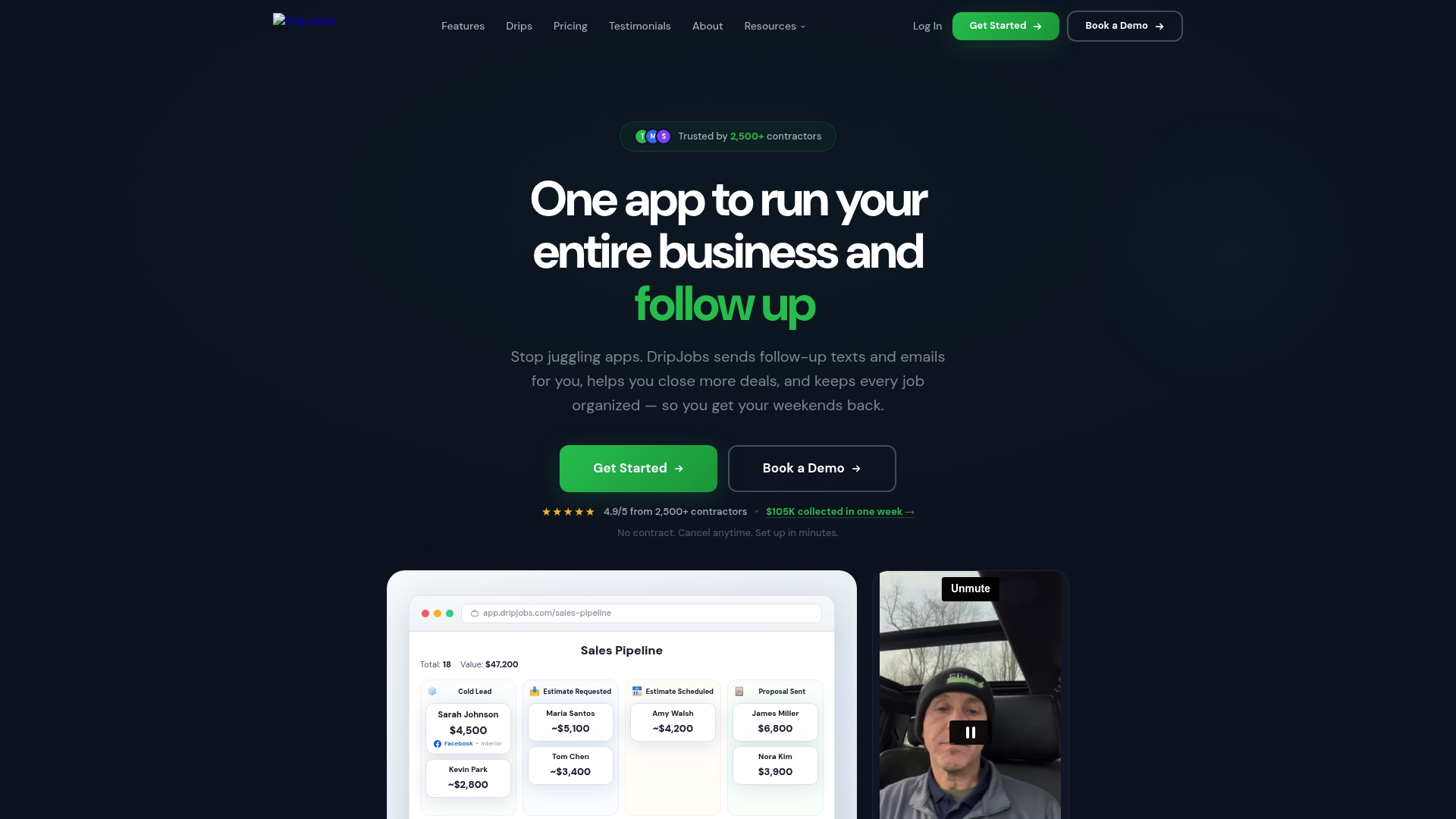
DripJobs reports over 2,500 contractors across 14+ trades. That user count shows the platform aims squarely at home service teams. The product pairs automated follow up messaging with proposal, payment, scheduling, and job management tools so contractors handle lead to invoice work in one place.
Core Features
DripJobs centralizes lead capture, a visual sales pipeline, proposal creation, and job management with integrated payments and a customer portal. The system includes Automated drip follow up via text and email, two way texting, and an AI sales assistant called Jobi AI to draft messages and proposals. It also syncs with accounting and scheduling tools so field and office data stay aligned.
Key Differentiator
DripJobs targets home service trades by embedding communications directly into CRM workflows. Texting, follow up sequences, and payment links live inside the same record you use to track estimates and jobs. That design reduces the manual handoffs between sales, dispatch, and accounting for smaller contractor teams.
Pros
The platform delivers useful automation that keeps leads warm without manual labor, which helps small teams follow up consistently. Proposal and e signature tools let you collect deposits and final payments inside the same workflow, reducing payment friction. Integrations with common tools and a focus on trade workflows mean less setup for typical contractors compared with generic CRMs.
Cons
- Limited review volume makes it hard to judge long term reliability across every trade.
- Some features require onboarding to reach full usefulness, which may cost time or training.
- Advanced capabilities such as Jobi AI and certain integrations may need additional setup or extra fees.
When It May Not Fit
If your company already uses a complex field service ERP with deep custom workflows, DripJobs may not replace that ecosystem. High volume enterprises that need heavy customization or advanced reporting may find the Growth plan necessary and will need to request custom pricing. Teams that cannot invest time in initial setup may underuse automation and miss value.
Notable Integrations
- QuickBooks for bookkeeping sync.
- Stripe for card and ACH payments.
- Google Calendar for appointment syncing.
- Zapier for custom automations.
- CompanyCam for job site photos.
Who It's For
Small to medium home service contractors who need a single system to manage leads, proposals, crews, and payments will benefit most. Trades listed by the vendor include painters, roofers, landscapers, cleaners, electricians, and plumbers. Teams that want to replace separate texting, quoting, and invoicing tools will find this focused approach useful.
Real World Use Case
A painting contractor captures web leads into DripJobs, then triggers a drip message sequence to engage prospects automatically. The office sends a proposal with e signature and an integrated payment link, and dispatch assigns crews on the shared calendar. That flow reduces administrative hours and closes jobs faster.
Pricing
Pricing starts with the Pro plan at $97 per month and the Advanced plan at $147 per month. The Growth tier uses custom pricing and requires contacting sales for a quote. Optional add ons such as two way texting and job costing may add to monthly costs.
Website: https://dripjobs.com
Builder Prime

At a Glance
Builder Prime combines GPS based timecards, automated SMS follow ups, and digital estimating inside a single system tailored for home improvement trades. If you are searching for the best crm for contractors, Builder Prime positions those features around sales, production, and payments. The vendor advertises that Builder Prime is trusted by numerous rapidly growing home improvement companies and that it has high user ratings.
Core Features
Builder Prime includes a CRM for lead and customer management, automated text messaging for follow up, and digital estimating with job costing and signature capture. It also provides GPS timecards and scheduling for production management along with electronic payments and QuickBooks integration. Reporting tools tie estimating and job performance into business metrics.
Key Differentiator
Builder Prime targets home improvement businesses by combining sales, marketing, and production workflows into one product. That focus places customer communication, estimates, and field time tracking inside the same record, reducing the need to copy data across separate systems.
Pros
Builder Prime groups lead management, estimating, scheduling, invoicing, and marketing automation in one place, which reduces manual handoffs between teams. The platform offers training and customer support that many contractors report as helpful during rollout, and its automations handle routine follow ups and payment reminders. Customizable templates and integrations with contractor apps let teams adapt the system to roofing, remodeling, and fencing workflows.
Cons
- Occasional system glitches or workflow lag during updates can interrupt field operations. These interruptions are a recurring user note.
- Some tools are built with specific trades in mind and may feel heavyweight for general handyman work. Smaller crews may not use every module.
- There is a learning curve to adopt the full feature set, especially for teams moving from spreadsheets or single purpose apps.
When It May Not Fit
Builder Prime may not fit businesses that need a minimal CRM or a lightweight estimating tool. If your operation prefers separate best of breed apps for each task, the all in one approach can add unnecessary complexity. Also, contractors unwilling to invest time in training will likely underuse several modules.
Notable Integrations
- QuickBooks
- CompanyCam
- GreenSky
- HomeAdvisor
- Angi
- Wisetack
- AirCall
- RingCentral
Who It's For
Builder Prime suits home improvement contractors and remodelers who want to centralize customer records, estimates, schedules, and payments. Roofing companies and fencing contractors will find trade specific templates useful. Teams that plan to standardize processes and train staff on a single system get the most value.
Real World Use Case
A roofing contractor uses Builder Prime to capture leads from HomeAdvisor, create digital estimates on site, assign crews with GPS timecards, and push invoices to QuickBooks. The company reduces duplicate data entry, shortens sales cycles, and raises close rates through automated text follow ups.
Pricing
Pricing is not publicly listed. The vendor indicates pricing is customized and typically provided on request for each business.
Website: https://builderprime.com
Ascora
At a Glance
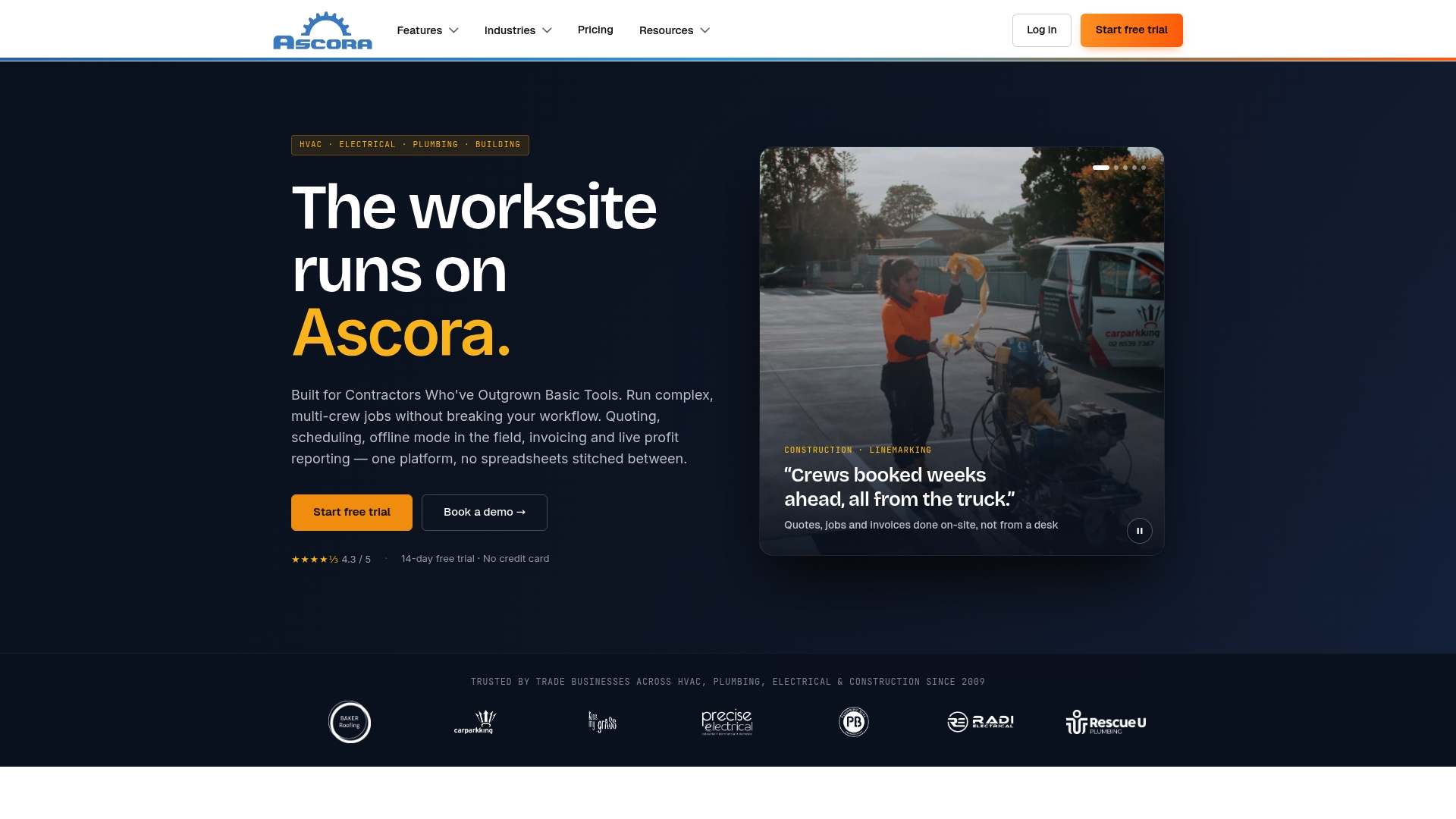
Ascora offers a 14-day free trial with no credit card and no lock-in contracts, which lowers onboarding friction for busy contractors. The platform dates back to 2009 and targets trades including electrical, plumbing, HVAC, and construction. It packs field apps, job documentation, and accounting links into a single package.
Core Features
The product combines lead capture, quoting, scheduling, and job tracking with inventory and timesheet tools. Mobile apps let crews fill digital forms, take photos with markups, and work offline before syncing. Accounting connectors, invoicing, and GPS tracking close the loop from estimate to payment.
Key Differentiator
Ascora focuses on trade workflows with dispatch for multiple crews, defined project phases, and profitability metrics tied to field activity. That focus shows in its mobile forms, retention and progress claim support, and project documentation features. The field app integration keeps job records and costs aligned with site activity.
Pros
The platform integrates with mainstream accounting packages, which cuts double entry between job records and bookkeeping. Visual scheduling and job tracking reduce confusion when you run several crews and need fast rescheduling. The mobile app supports offline work, so crews do not lose data when site connectivity is poor.
Cons
- Limited publicly visible user reviews make it hard to judge long term user satisfaction.
- Pricing is not posted, so you must contact sales to get a quote and contract terms.
- Some very large or highly customized projects may require custom workflows not available out of the box.
When It May Not Fit
If you need public user ratings to validate vendor stability, Ascora may frustrate you. If your operation demands fully disclosed pricing online, you will need to engage sales for numbers. Organizations running enterprise grade, highly bespoke project controls may find the standard feature set incomplete.
Notable Integrations
The platform syncs with major accounting systems and payments. Integrations include Xero, QuickBooks, and Stripe, plus MYOB, EzzyBills, Groundplan, Eway, and Reece maX. These connections make it practical to push invoices and reconcile costs without manual exports.
Who It's For
This product fits trade contractors and small to medium service businesses that have outgrown spreadsheets and basic tools. It suits teams that dispatch multiple crews and need mobile data capture plus accounting sync. Choose it when you want job documentation, quoting, and invoicing in one place.
Real World Use Case
A plumbing business uses Ascora to dispatch two crews, generate on site quotes, and collect signed digital forms. Crews work offline at remote sites and sync later, keeping schedules accurate. The office exports invoices to accounting software and closes jobs faster.
Pricing
Ascora does not publish standard pricing online. The vendor asks prospects to contact sales for plan details and quotes. A free trial period is available to test core workflows before purchase.
Website: https://ascora.io
AscenteVMS
At a Glance
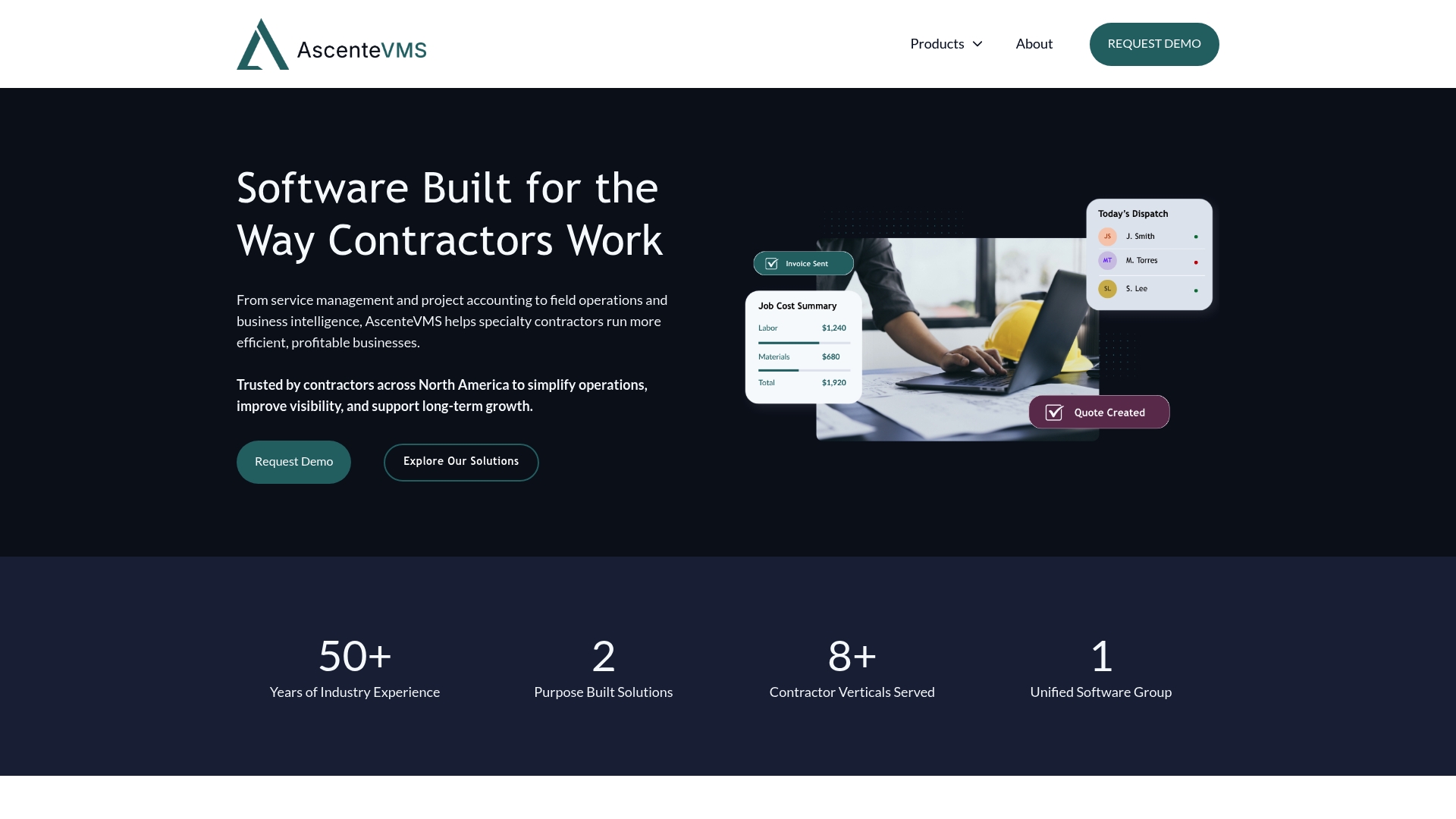
Two purpose-built platforms, Ascente and Ventus, separate trade-focused workflows so contractors can pick the suite that matches their business model. The product targets specialty contractors who need both field service tools and project accounting in one vendor relationship. Request a demo to see which platform aligns with your trade.
Core Features
Service dispatch and work order management connect with a mobile technician application so field crews get assignments and status updates on the go. Job costing, inventory control, and integrated accounting tie field activity to GL and payroll for clearer financial tracking. The platform also supports AIA billing, estimating, document management, and asset tracking, which helps back-office teams reconcile jobs and invoices more quickly.
Ask for a feature walkthrough that covers both field mobility and project accounting.
Key Differentiator
The main distinction is the split between two purpose-built suites. Ascente targets contractors who need tighter project accounting and AIA billing. Ventus focuses on asset and document management for field-heavy service contractors. That trade focus suits firms that prefer software built around contractor workflows rather than a one-size-fits-all package.
Schedule vendor sessions that demonstrate the Ascente and Ventus feature sets against your current processes.
Pros
The product groups field service, project accounting, and financial reporting into a single vendor relationship, which reduces the number of systems your office must reconcile. It emphasizes industry-specific workflows for HVAC, plumbing, refrigeration, electrical, and mechanical trades, so menus and screens follow trade logic rather than generic CRM patterns. The vendor describes a focus on usability and long-term partnerships, which may help teams that plan multi-year deployments.
Ask sales for references from contractors in your trade to verify fit.
Cons
- Limited independent third-party reviews and analyst coverage, which makes it hard to validate long-term performance.
- Few publicly documented customer testimonials or case studies to illustrate ROI or rollout challenges.
- The vendor’s marketing materials leave pricing unspecified, so procurement requires direct engagement and negotiation.
Who It's For
Specialty contractors that want an industry-focused system combining dispatch, job cost accounting, and core financials will find this relevant. Midmarket and larger contractors with distinct field and project accounting needs will benefit most. Firms that prefer vendor-driven trade customizations and long vendor relationships should prioritize a demo.
Real World Use Case
A mid-size plumbing contractor uses the mobile technician app for dispatch and the accounting suite for job costing and AIA-style invoicing. Field technicians receive work orders, record parts and labor, and back-office staff post costs to jobs for accurate margin reporting. That configuration reduces paperwork and clarifies job profitability for monthly close.
Pricing
Pricing is not specified and appears to be offered on a custom basis or by request. Expect vendor sales to propose tailored packages that reflect the chosen suite, number of technicians, and accounting modules. Ask for a written quote that lists modules, implementation fees, and annual support costs.
Website: https://ascentevms.com
Comparison of alternatives
Contractors seeking solutions to enhance their operations benefit from exploring the unique strengths provided by each CRM platform examined in this comparison. Each system offers different benefits and focuses tailored to distinct segments within the contracting field.
HSE integration and mobile support
Firmanager’s integration of compliance tools like risk assessments and incident reporting into its operations and CRM module provides singular convenience for contractors requiring these features. It supports mobile functionalities, enabling job updates directly from the field, and offers synchronization across devices. However, it requires a strong, reliable Internet connection for use in field operations, which may not suit teams in remote areas.
Automation capabilities and scalability
DripJobs excels in providing automated communication solutions, including drip messaging for lead nurturing and follow-ups. These features greatly reduce manual tasks, benefit small teams, and contribute to sustained engagement with clients. Builder Prime combines automation with a plethora of industry-specific features, making it ideal for contractors in specialized construction and remodeling roles. Ascora and AscenteVMS target highly tailored accounting and field service requirements, focusing on contractors with unique industry demands.
Best fit
- Contractors needing to consolidate field service management, CRM, sales capabilities, and HSE compliance tools for efficient workflows will find Firmanager.cloud most effective.
- Home service businesses emphasizing automated client communications to keep leads engaged and reduce administrative burdens should consider DripJobs.
- Contractors engaged in specialized trade operations like roofing, remodeling, or fencing requiring advanced field and timecard monitoring may benefit from Builder Prime.
- Large-scale contractors prioritizing trade-customized workflows and strong vendor support over time utilizing a software solution such as AscenteVMS prove advantageous.
Our pick
Firmanager emerges as the choice for contractors seeking a CRM capable of merging multiple operational needs into a unified platform. It offers a vital set of field service tools complemented by exceptional compliance and financial tools that cater effectively to service businesses. Contractors prioritizing field accessibility and operational integration will find Firmanager's capabilities highly advantageous. However, teams requiring advanced task automation or heavily tailored systems may find solutions like Builder Prime or AscenteVMS better suited to their needs.
Choosing an optimal CRM platform tailored to contractor workflows requires evaluating their integration capabilities, distinct features, user applicability, and pricing.
| Product | Key Features | Best For | Pricing | Notable Limitation |
|---|---|---|---|---|
| Firmanager | CRM, field service tools, HSE compliance, multi-currency invoicing | Service businesses managing field operations | Free plan, $19–$49/month | Dependent on stable internet for full functionality |
| DripJobs | Lead capture, automated text/email, AI assistant, job scheduling | Home service contractors, proposal follow-ups | $97–$147/month | Advanced features may require onboarding and fees |
| Builder Prime | CRM, digital estimating, GPS workflows, integrated payments | Home improvement contractors | Price not published | Occasional system glitches reported by users |
| Ascora | Mobile apps, dispatch, offline digital forms | Trade contractors with field operations | Price not published | Limited public reviews for long-term insights |
| AscenteVMS | Field service tools, technician apps, financial integrations | Specialty contractors combining mobile and accounting | Price not published | Few third-party reviews available for validation |
How Can Contractors Solve Key Challenges in CRM and Field Service Management?
Choosing the best crm for contractors means finding a system that reduces communication gaps and avoids juggling separate tools for dispatch, invoicing, and safety compliance. Firmanager answers this need by combining CRM, sales tracking, work order management, and financial tools in one platform. This setup helps small to medium service businesses keep customer information, job updates, and billing unified and accessible.
Firmanager offers features like real-time job status dashboards, a mobile employee portal for field updates, and integrated payment processing via Stripe. These tools help cut down manual calls and errors, speeding up invoice cycles and improving service delivery. See how Firmanager’s dedicated design for service contractors can improve your operational flow at Firmanager. Get your team on a platform that keeps everyone connected and working from the same data.
FAQ
How does Firmanager support HSE compliance for contractors?
Firmanager includes built-in HSE management tools that allow users to conduct risk assessments and report incidents directly from the platform. This feature helps contractors efficiently document safety compliance as part of their field service operations. Consider using Firmanager to keep safety documentation organized alongside job records.
What is the difference between DripJobs and Firmanager?
DripJobs excels in its automated follow-up messaging for leads, allowing contractors to maintain consistent engagement. Firmanager, on the other hand, combines CRM, invoicing, dispatch, and HSE compliance in one solution tailored for service businesses. Choose Firmanager if your primary need is integrated field service management.
Does Firmanager handle customer invoicing?
Yes, Firmanager manages customer invoicing along with contract tracking and sales with PDF generation. This feature streamlines the billing process for contractors, making it easier to keep track of finances. You can expect an efficient workflow from job to invoice using Firmanager.
Can Firmanager’s mobile app be used offline?
No, the Firmanager app requires a stable internet connection for full functionality, which may disrupt work in low coverage areas. If your team often works in locations with poor connectivity, consider this limitation when choosing Firmanager.
Which platforms integrate with Firmanager for payments?
Firmanager integrates with Stripe to handle card and online payment processing. This capability simplifies payment transactions for contractors using the platform. Utilizing these integrations can help streamline your financial operations.