Managing work orders, asset tracking, and vendor communication from multiple tools creates confusion between repair history, billing, and compliance tracking. Most facility management software locks advanced analytics, vendor onboarding, or mobile reporting behind restrictive pricing or requires contacting sales for basic feature access. This comparison presents features, platform access, and workflow strengths across four facility management software alternatives so operations teams can match a platform to their size and reporting needs.
Table of Contents
Firmanager
At a Glance
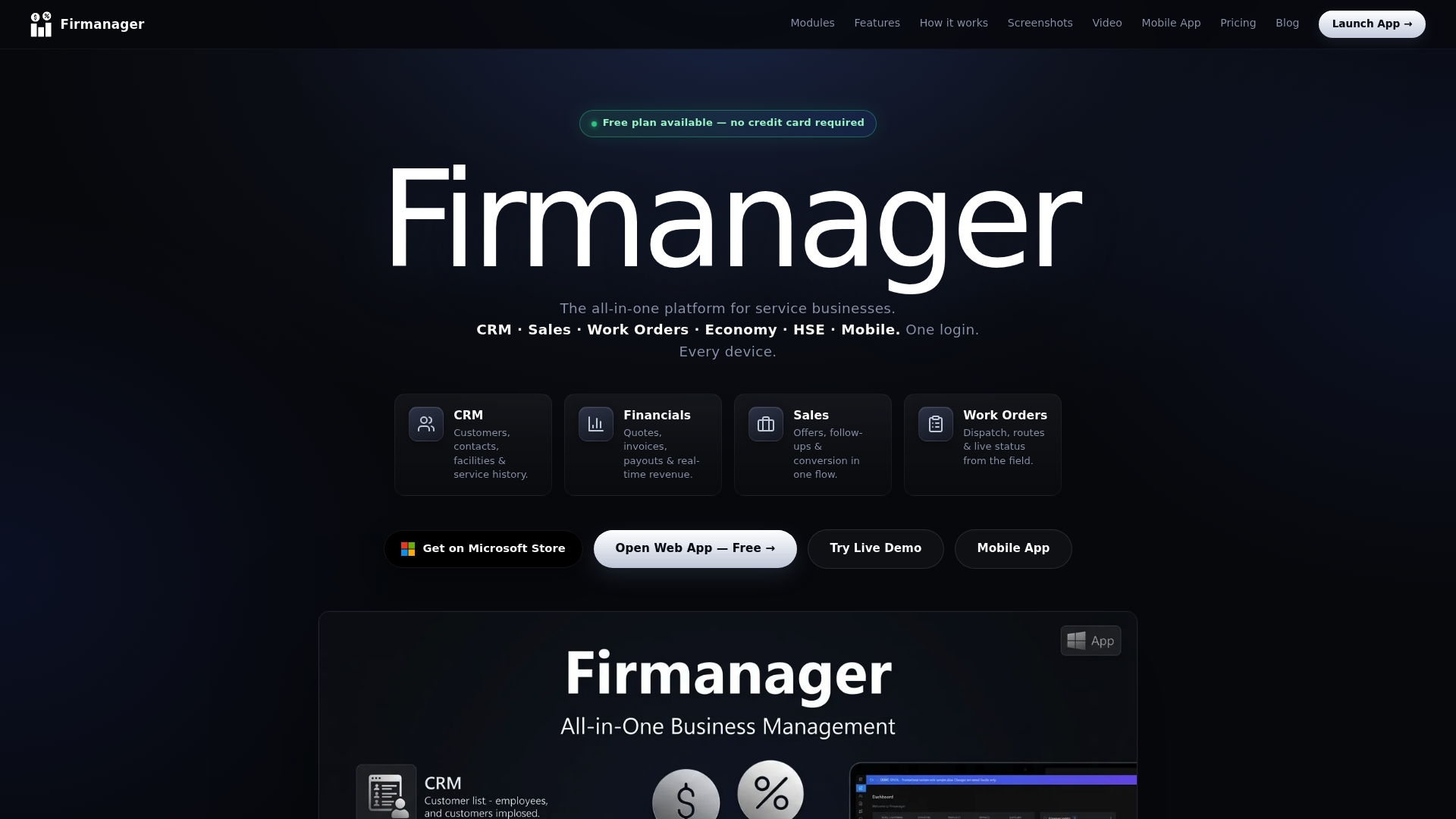
Accessible via web, a native Windows desktop app, and a PWA mobile app, Firmanager lets field crews and office staff work from the same live dataset. It handles multi currency billing and connects to Stripe and Firebase for payments and cloud sync. The product includes real time dashboards and an employee self service portal for site reporting and leave requests.
Core Features
The platform combines CRM records with facilities, contract tracking, custom fields, and PDF export so customer context stays with every interaction. Task management provides recurring tasks, Kanban and table views, image attachments, and checklists geared to field jobs. Work order and field service tools add dispatch, time tracking, mobile checklists, and links to sales, quoting, and invoicing for fast billing.
Key Differentiator
The single distinguishing feature is real time data flow between CRM, operational tasks, and financial documents. That link keeps a customer record, open work orders, and billing history synchronized across teams. Device parity across web, Windows, and the PWA means field technicians enter job data that immediately updates office reports and invoices.
Pros
All modules share one database, so updates to a customer profile appear in contracts, active tasks, and invoices without manual copying. Multiple platform access lets technicians submit photos, hours, and safety checks from the job site using the mobile app or Windows client. Real time dashboards and SMS or email alerts make condition monitoring practical for safety events, while built in PDF and Excel exports reduce the time spent on reporting.
Cons
- Scalability may be limited for very large organizations that require extensive, custom platform modifications.
Notable Integrations
- Stripe for payments and subscription billing.
- Firebase for cloud sync and real time data transport.
- Microsoft Store via an Electron based Windows app distribution.
- html2pdf for PDF generation and export.
- XLSX / Excel export for spreadsheet reporting.
- SMS and text services for alerts and notifications.
Who It's For
Small to medium sized service businesses with field operations will get the most value. Teams that need a central record for customers, contracts, work orders, and invoices will find the unified data model practical. Organizations focused on compliance tracking and mobile reporting will benefit from the employee self service and notification features.
Unique Value Proposition
Keeping contracts, work orders, and invoices on a single live record reduces duplicate data entry and shortens the time from job completion to billing. That combined record means a technician photo or checklist appears in the same customer history used to generate quotes and invoices. For teams that bill by job or contract, this reduces back office reconciliation and speeds payment cycles.
Real World Use Case
A facility maintenance company dispatches technicians from a central schedule, receives photos and checklists through the mobile app, and ties each completed job to its contract and invoice record. Office staff generate a PDF invoice from the same customer record the technician used on site. Safety checks and compliance items trigger alerts sent by SMS or email to managers.
Pricing
Pricing tiers run Free, Pro at $19/month, and Business at $49/month. The free tier covers core features while paid plans add advanced workflows and larger team capacity.
Website: https://firmanager.cloud
ServiceChannel
At a Glance
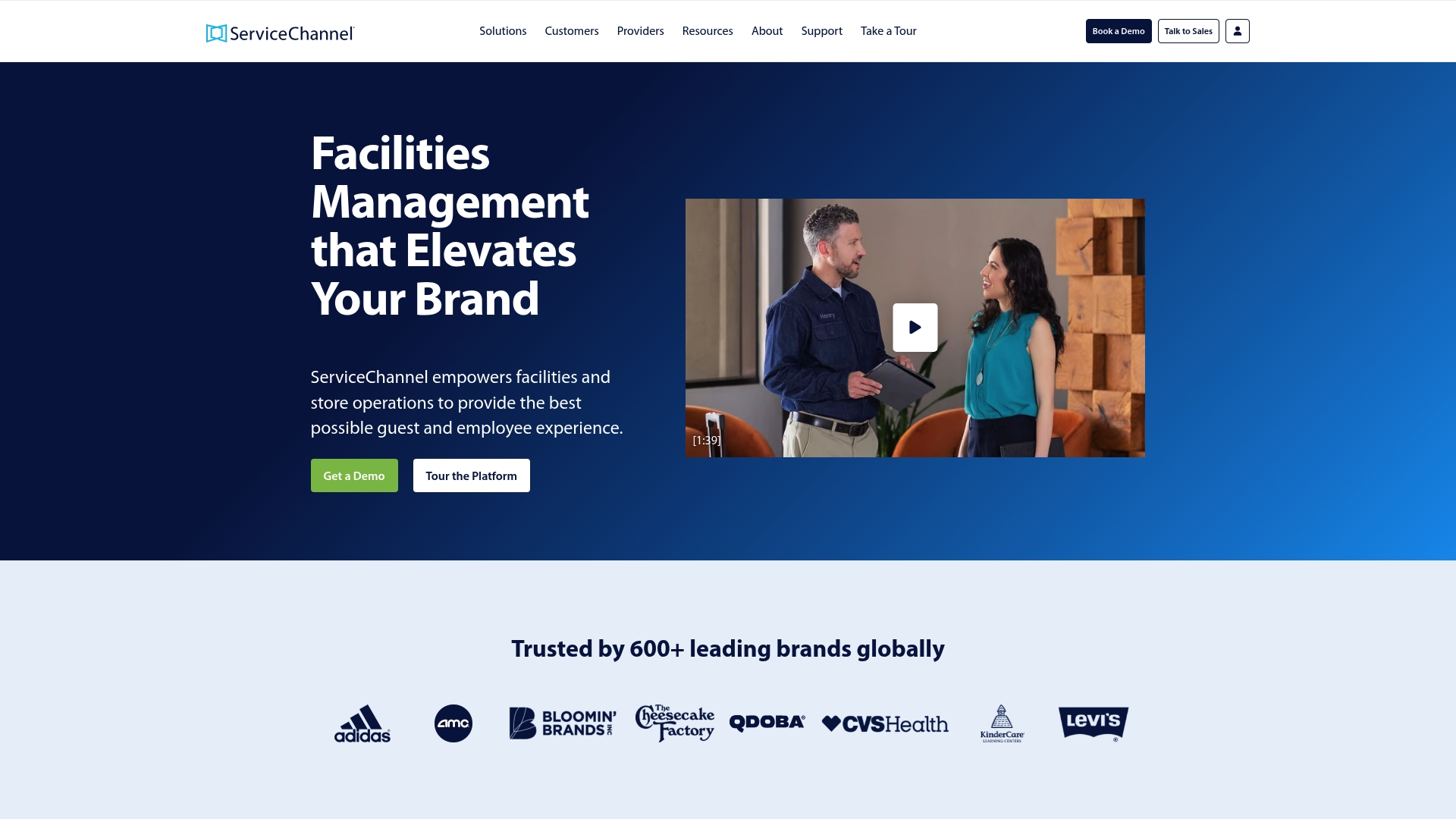
ServiceChannel's marketing materials state analytics draw on over 150 million work orders. That claim anchors its benchmarking set and helps explain the platform's focus on enterprise-level trends. The product also pairs that analytics focus with a large provider marketplace aimed at multi-location operators.
Core Features
ServiceChannel centralizes work order management and vendor communication while tracking assets and inventory across many sites. The platform layers AI-powered automation and performance analytics over operational data to surface recurring failures and cost drivers. It also supports invoicing workflows and a service provider marketplace for sourcing repairs and contracts.
Key Differentiator
ServiceChannel combines a broad service provider marketplace with enterprise analytics built on that large work order pool. That combination targets buyers who want both a vendor network and data to compare provider performance across locations. The marketplace is the primary differentiator compared with tools that only handle tickets.
Pros
The platform reduces administrative overhead by placing work orders, vendor messages, and invoices in one place. Customers report stronger vendor oversight thanks to benchmarking and provider scorecards. The architecture scales for hundreds of locations and supports enterprise reporting needs, which helps regional operations teams measure performance consistently.
Cons
- Steep learning curve: new users often need extended training before they work efficiently. This raises initial project costs.
- Interface lag: some users report slow page loads and occasional delays when switching between accounts. That slows fast-paced dispatch teams.
- Vendor onboarding friction: bringing third-party providers into the system can feel time consuming and requires coordination.
- Mobile inconsistencies: mobile app features vary by platform and do not always match desktop capabilities.
When It May Not Fit
This product is not ideal for single-site operators or very small facilities teams that want a lightweight tool. Organizations that need rapid, low-effort vendor onboarding may find the provider setup process burdensome. Teams that depend on a responsive mobile app for daily work may prefer a different option until the mobile experience stabilizes.
Who It's For
Large, multi-location retail, restaurant, and healthcare chains that need centralized operations and vendor management will benefit most. Regional operations managers and facilities directors who need cross-site benchmarking and a provider marketplace will find the product fits their workflows. Smaller operators will likely find the platform more than they need.
Real World Use Case
A national retail chain uses ServiceChannel to manage maintenance across hundreds of stores. Field teams submit work orders and central operations use analytics to spot recurring equipment failures. The retailer uses provider benchmarking to reassign work to higher performing vendors and reduce store downtime.
Pricing
Pricing is listed as not applicable and informational only. ServiceChannel generally requires contacting sales for enterprise quotes and scope, so public list pricing is not available.
Website: https://servicechannel.com
Ecotrak
At a Glance
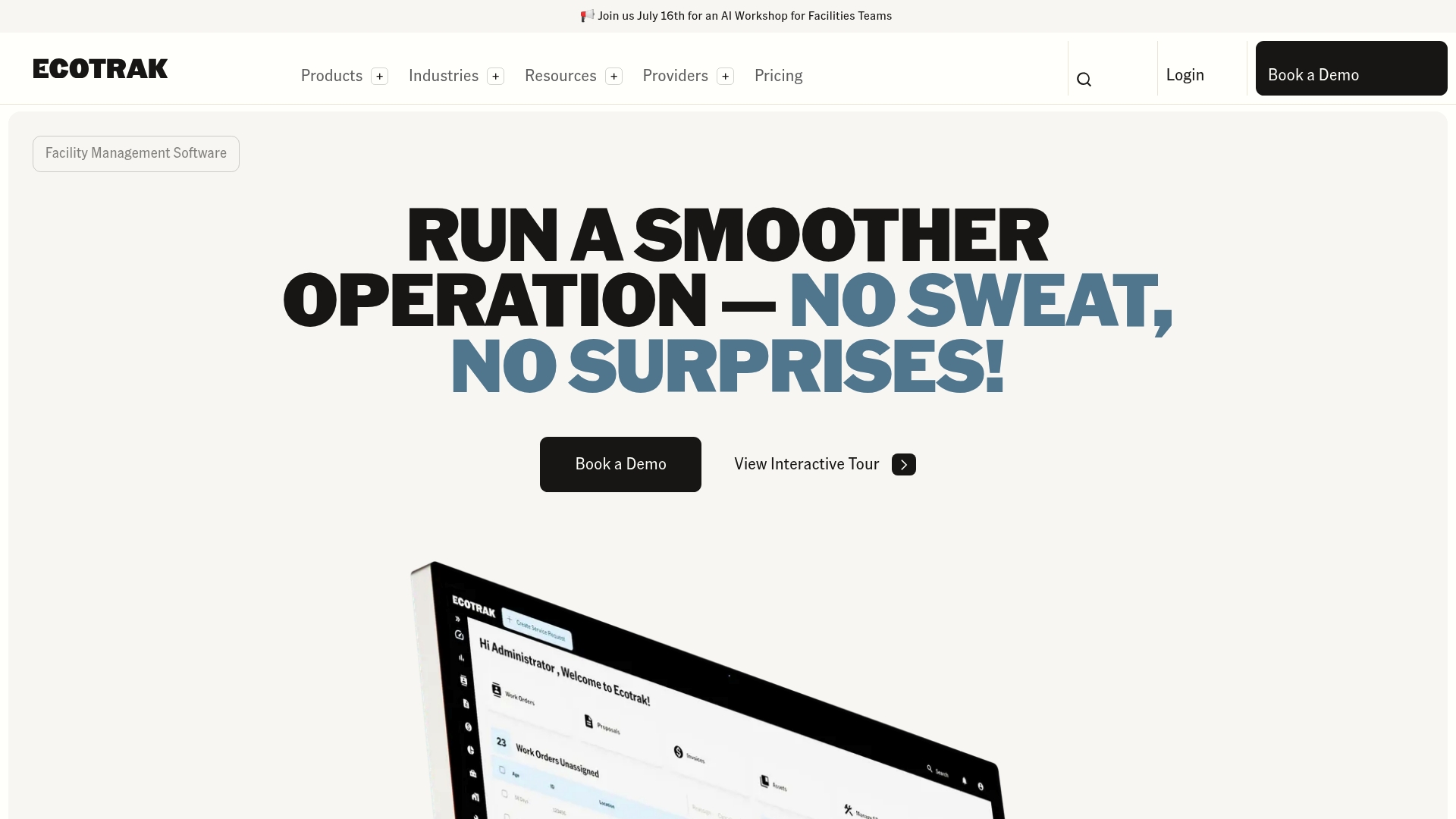
Ecotrak reports a 15% average reduction in repair costs. The platform pairs proactive equipment insights with hands on onboarding support for operations teams. Its emphasis on restaurants, grocery, and retail targets everyday maintenance problems and reduces administrative burden.
Core Features
Ecotrak centralizes asset management, work order management, and parts & inventory management, so teams keep equipment records, schedules, and stock in one place. A service provider directory connects you to vetted vendors, and reporting offers trend views to guide preventive maintenance. Onboarding support and real time data push users from reactive repairs to planned maintenance cycles.
Key Differentiator
Ecotrak combines automated equipment insights with human led onboarding to reduce downtime and lower repair spend. That mix helps teams adopt preventive schedules rather than rely only on reactive fixes. Compared with Firmanager, Ecotrak serves a narrower market focused on restaurants, grocery, and retail operations.
Pros
Users report time savings and clearer maintenance workflows after centralizing equipment records and work orders. The interface uses simple navigation, which reduces training time for new technicians and managers. Customer support and onboarding receive praise, and the vendor reports the cost reduction above for restaurant customers.
Cons
-
Inconsistent customer support quality reported by some users.
-
Mobile app shows less detail than the desktop interface, limiting field technicians' visibility.
-
Response times can vary, which may frustrate teams that need guaranteed fast support.
When It May Not Fit
If you require full parity between mobile and desktop, Ecotrak may not fit because the mobile view lacks detail. Large enterprises that need deep CRM or financial modules should consider a platform with built in accounting and sales features. The vendor does not list third party integrations, so buyers who need broad API connections may find the offering limited.
Who It's For
You are a facility manager or operations lead running restaurants, grocery stores, or retail chains. Ecotrak fits teams that want tighter control over equipment, scheduled work orders, and vendor repairs. It suits groups that prefer guided onboarding and clear maintenance workflows over broad CRM and finance tools.
Real World Use Case
A restaurant chain centralizes equipment data and preventive schedules in Ecotrak. The platform manages vendor repairs, tracks parts, and triggers preventive work orders. That workflow produced the cost reduction above and improved equipment uptime for on site teams.
Pricing
Ecotrak starts for free, with tiered paid plans available. The vendor uses subscription tiers that scale by features and support levels. Contact sales for enterprise quotes and details on onboarding packages.
Website: https://ecotrak.com
Facilio AI
At a Glance
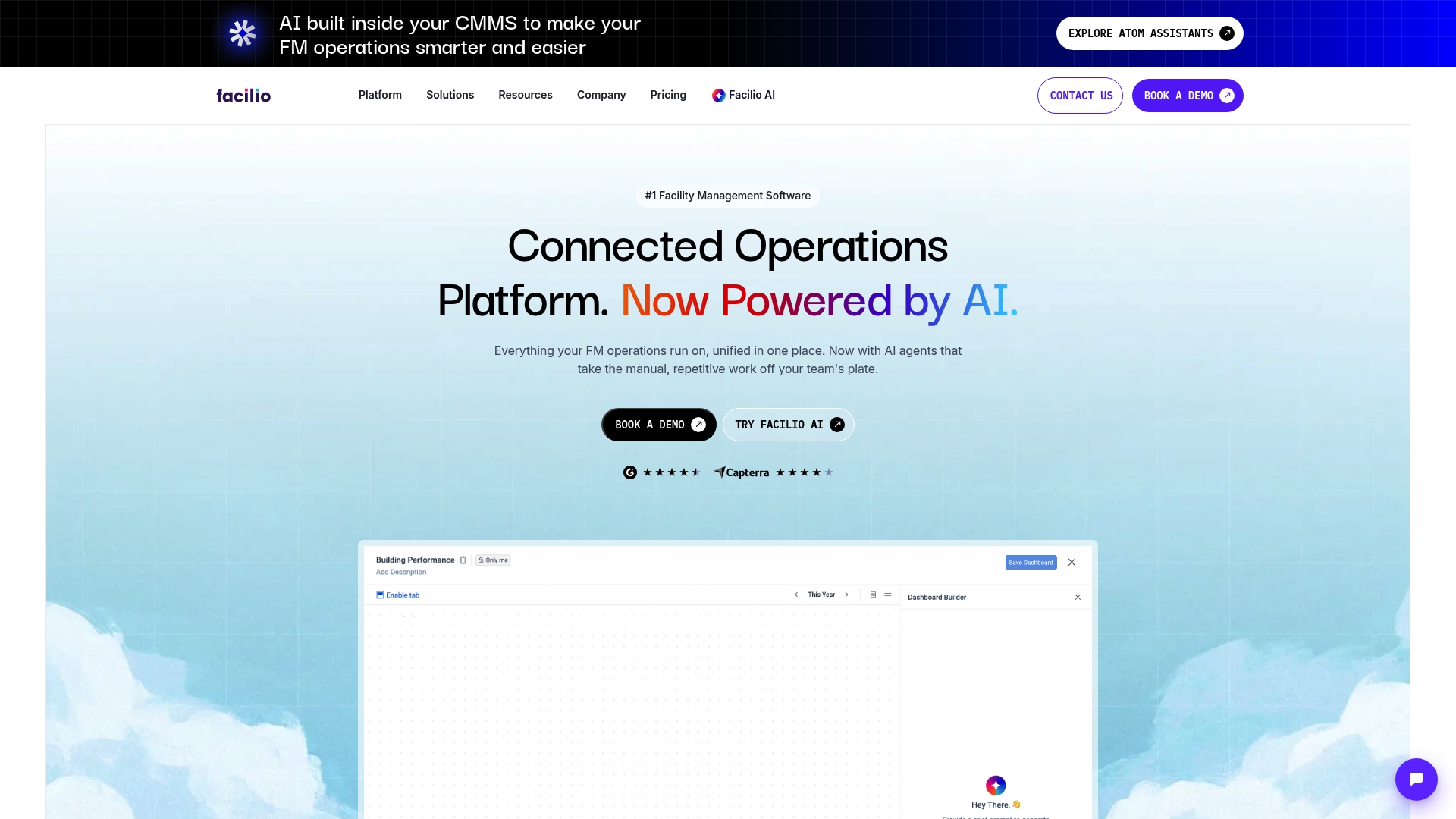
Facilio AI embeds AI agents inside the CMMS to automate service requests, invoice verification, and portfolio energy fault detection. The platform targets enterprise property portfolios across retail, healthcare, and corporate real estate. It combines maintenance, vendor, compliance, financial workflows, and energy management in one interface.
Core Features
The product unifies maintenance, tenant, vendor, compliance, and financial workflows while integrating energy monitoring and fault detection for portfolios. Built-in AI agents automate service requests, reporting, and invoice verification, and they assist with decision making across sites. Workflow automation works without IT intervention and the platform connects to existing building and business systems.
Key Differentiator
Facilio AI places AI inside the CMMS so automation and analytics run where work gets done rather than as a separate add-on. That design reduces handoffs between analytics and operations and shortens the loop from detection to corrective action. The focus on portfolio energy and refrigeration optimization sets it apart for asset-heavy operators.
Pros
Facilio AI presents a graphical interface and dashboards that make complex data easier to read and act on. The platform offers customizable processes and graphical workflows that adapt to specific operational needs and compliance rules. Its AI powered automation and the energy and sustainability tools reduce repetitive tasks and support enterprise scale portfolio management.
Cons
- UX is functional but not at the elite level. Some users may find the interface less polished than newer products.
- Implementing system updates or custom changes can be challenging. Changes have the potential to affect live operations during rollout.
- Configuration complexity can slow onboarding for smaller teams. The initial setup requires specialist effort and time.
When It May Not Fit
Organizations with small facilities teams or single-site operations will likely find the platform more complex than they need. Teams that require rapid, incremental rollouts of new features may face difficulty because some updates affect live workflows. Buyers without internal technical support should plan for external services during rollout.
Who It's For
Large property owners, retail chains, healthcare systems, and corporate real estate managers who operate multiple sites will get the most value. Facilities teams that need integrated maintenance and portfolio energy management at scale will find its feature set aligned with their needs. The platform suits organizations prepared to invest in configuration and change management.
Real World Use Case
ICD Brookfield used Facilio AI to future proof office and retail portfolios by applying automation and data insights for energy efficiency and proactive maintenance. The deployment supported improved tenant satisfaction by reducing downtime and responding faster to issues. Reporting and analytics also fed longer term capital planning decisions.
Pricing
Pricing is listed as not applicable and informational only. No public pricing tiers are provided. Enterprise buyers should contact the vendor for a tailored quote.
Website: https://facilio.com
Comparison of alternatives
Choosing the facility management software is essential for operational success. Solutions vary in features and design, tailored to unique business needs.
Real-time integration
Firmanager excels in maintaining synchronized updates across CRM, task management, and financial workflows. The system ensures records remain consistent, reducing duplicate work. By contrast, while Ecotrak centralizes asset and work order management, it doesn't provide the same level of financial feature integration, focusing instead on preventive maintenance within its niche.
Vendor network versus operational focus
ServiceChannel stands out by embedding a provider marketplace into its platform, accompanied by analytics tools that benchmark provider effectiveness. This greatly benefits multi-location businesses. However, buyers must accept the initial complexity during setup. Firmanager directs its focus toward streamlining operations for field personnel.
Best fit
- Businesses requiring real-time CRM and financial integration would benefit from Firmanager, enabling synchronized operations efficiently.
- Firms operating across multiple sites that necessitate provider benchmarking and vendor integration should consider ServiceChannel.
- Maintenance teams in the food and retail sectors favoring preventive maintenance and onboarding support may opt for Ecotrak.
- Organizations managing extensive portfolios with energy and compliance management needs could choose Facilio AI for targeted operational automation.
Our pick
For organizations seeking highly integrated workflows spanning CRM, field task management, and real-time financial operations, Firmanager.cloud emerges as the leader. While other contenders excel in unique areas, Firmanager is distinct in the collaboration and automation it delivers across functional teams. However, business needs vary, and for specialized requirements like vendor network analytics, an alternative may serve better.
This table highlights key differences among selected facility management software options, emphasizing their unique features and suitability for various operational needs and team sizes.
| Software | Key Differentiator | Best For | Pricing | Notable Limitation |
|---|---|---|---|---|
| Firmanager | Real-time updates across CRM, tasks, and billing | Small to medium-sized service businesses | Free, Pro: $19/month, Business: $49/month | Scalability may be limited for extensive customization needs |
| ServiceChannel | Vendor marketplace paired with enterprise analytics | Large multi-location retail, restaurant, and healthcare chains | Price not published | Requires extended training for new users |
| Ecotrak | Automated equipment insights with onboarding | Facilities in restaurants, grocery, and retail operations | Free, tiered paid plans | Mobile view lacks detail compared to desktop |
| Facilio AI | Embedded AI for automation and energy management | Enterprise property portfolios and large teams | Price not published | Setup complexity may require specialist effort |
What Challenges Do Service Businesses Face With Facility Management Software?
Many service businesses struggle with fragmented data and disjointed workflows. Managing customer records, work orders, and invoices separately wastes time and increases errors. Firmanager solves this by uniting CRM, billing, and task management in one platform. This integration allows your field technicians and office staff to work from the same real-time data, improving communication and speeding billing cycles.
Firmanager also offers live dashboards, employee self-service portals, and instant notifications, which help small to medium sized service businesses enhance service delivery and maintain compliance more easily. Visit Firmanager now to see how you can reduce duplicate data entry and connect your operations, finance, and sales teams in one interface that fits your field service workflows.
FAQ
How does Firmanager handle multi-currency billing?
Firmanager manages multi-currency billing effectively, allowing users to operate with various currencies effortlessly. This capability enhances financial transactions for international clients and simplifies accounting tasks. You can expect a streamlined billing experience with real-time updates across different payment processes.
What is the difference between Firmanager and ServiceChannel in terms of vendor management?
ServiceChannel excels with its large provider marketplace aimed at multi-location operators, which helps businesses compare vendor performance across locations. Firmanager, on the other hand, focuses on real-time data flow between CRM functions and operational tasks, making it more suitable for straightforward service operations without extensive vendor management needs. Choose Firmanager for a simpler, centralized data handling experience.
Which platform offers the best dashboard features for real-time monitoring?
Firmanager provides real-time dashboards that allow users to monitor key metrics and operational conditions effectively. This feature enables users to access live data, improving decision-making and response times. Expect increased visibility into your service operations with Firmanager’s intuitive dashboard layout.
Can I use Firmanager if my organization has team members working remotely?
Firmanager is well-suited for organizations with remote team members, thanks to its web and mobile app accessibility. The platform allows field crews to submit reports and updates directly from job sites, ensuring team collaboration remains seamless. This feature is vital for maintaining operational efficiency in a remote work environment.
How does Firmanager's pricing compare to its competitors?
Firmanager offers a clear pricing structure with tiers starting from a free plan, up to the Pro plan at $19/month and Business plan at $49/month. This transparency enables businesses to choose a plan that fits their budget while accessing essential features. Compare this straightforward pricing model to competitors that may have less clarity and require direct inquiries for quotes.