
Managing jobs, dispatch, and invoicing through multiple disconnected tools creates errors and lost updates for field service teams. Most field service software either lock advanced modules behind high-priced tiers or lack true cross-platform sync for mobile and desktop crews. This article compares pricing, automation, and platform features across six alternatives so field service businesses can pick the best match for their team and workflow.
Table of Contents
Firmanager
At a Glance
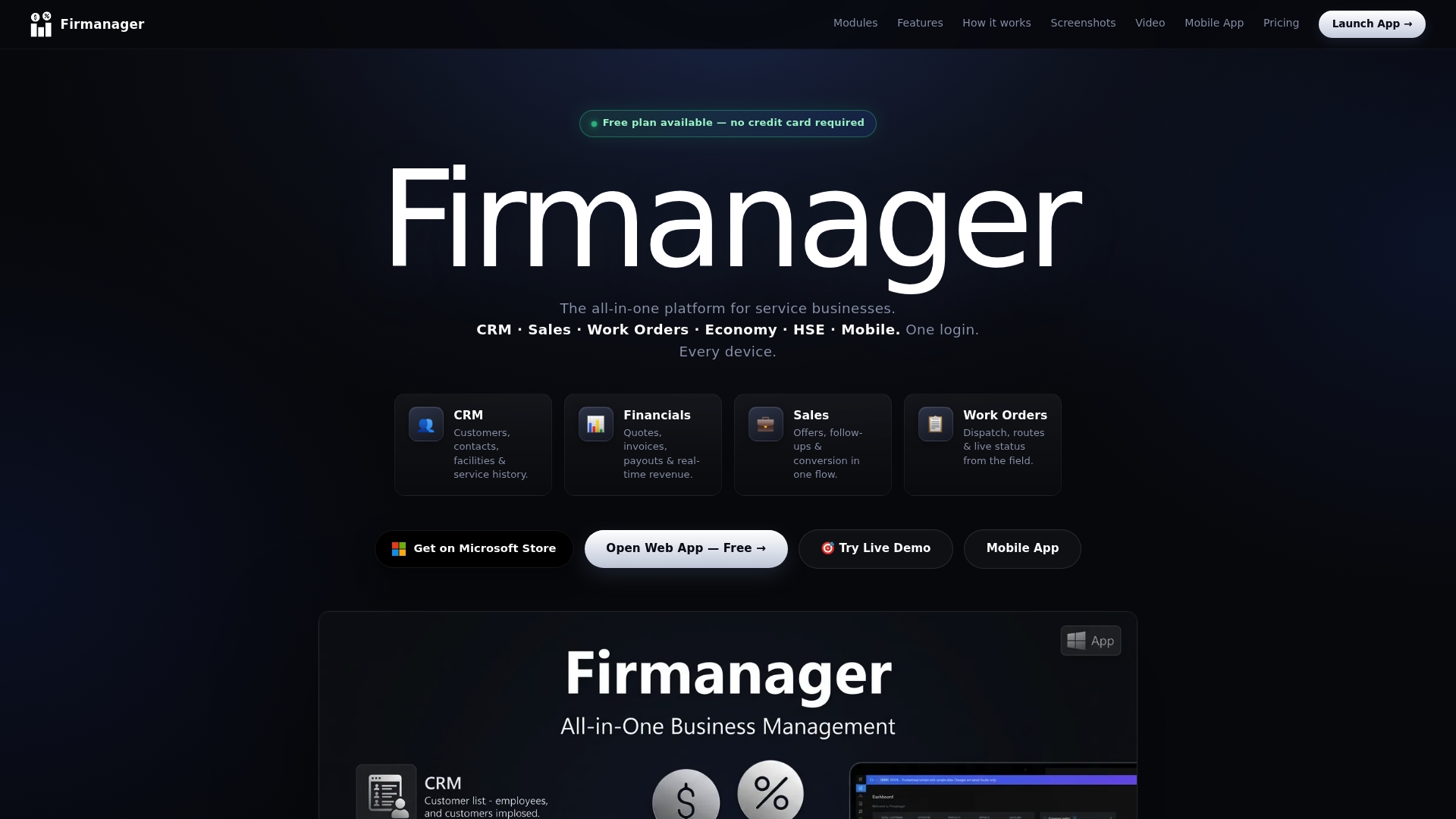
Web, Windows desktop, and mobile apps all sync to the same cloud with offline support. The platform includes live KPI dashboards and role based access for supervisors and field staff. It also bundles CRM, sales, work orders, finance, and HSE modules into a single workspace.
Core Features
Firmanager centralizes CRM for contacts and service history alongside integrated sales, quotes, and invoicing with multi currency support. The platform handles work order management including dispatch, routing, and status tracking, and it displays real time KPIs and alerts on configurable dashboards. Built in HSE compliance tools cover risk assessments, incident reports, and training tracking while mobile and desktop clients let field teams update jobs from anywhere.
Key Differentiator
All major operational modules are integrated into one platform with real time cloud sync and a mobile first design. That single stack removes the need to copy data between separate CRM, invoicing, and safety tools. Teams get the same dataset on web, Windows, and mobile apps which reduces duplicate entry for office and field staff.
Pros
Firmanager's cloud sync and offline support keep records consistent when connectivity drops, which matters for technicians working in basements or remote sites. The employee portal gives field staff a place to view assigned jobs, training status, and messages without extra tools. A free plan and tiered paid subscriptions let small teams try core features and then add seats and modules as operations grow.
Cons
- Limited third party integrations beyond Stripe and Firebase may force custom work for teams that rely on specialized accounting or asset systems.
Notable Integrations
- Stripe for payments.
- Firebase for cloud database and authentication.
- Microsoft Store for distributing the Windows app.
Who It's For
Small to medium service businesses that run field teams, handle recurring safety obligations, and need combined operations and finance visibility. Companies that want the same data set for sales, dispatch, invoicing, and compliance will benefit most. Larger enterprises with extensive third party systems or highly bespoke workflows may outgrow this setup.
Unique Value Proposition
Live dashboards and employee self service portals deliver immediate operational visibility across web, Windows, and mobile apps. That visibility reduces phone handoffs and keeps job status, invoices, and safety records in one place. For teams that bill, report, and manage compliance from a single system, this lowers manual reconciliation and software license counts.
Real World Use Case
A facilities maintenance company uses Firmanager to store customer contacts, schedule and route work orders for technicians, and log safety training expiry dates. Technicians update job notes on a mobile app that syncs to the office instantly. The office then generates quotes and invoices without exporting spreadsheets.
Pricing
Firmanager offers a Free tier plus paid plans. The published pricing lists Pro $19/month and Business $49/month, reflecting seat and feature tiers. The model scales by adding seats and enabling advanced modules.
Website: https://firmanager.cloud
Jobber
At a Glance
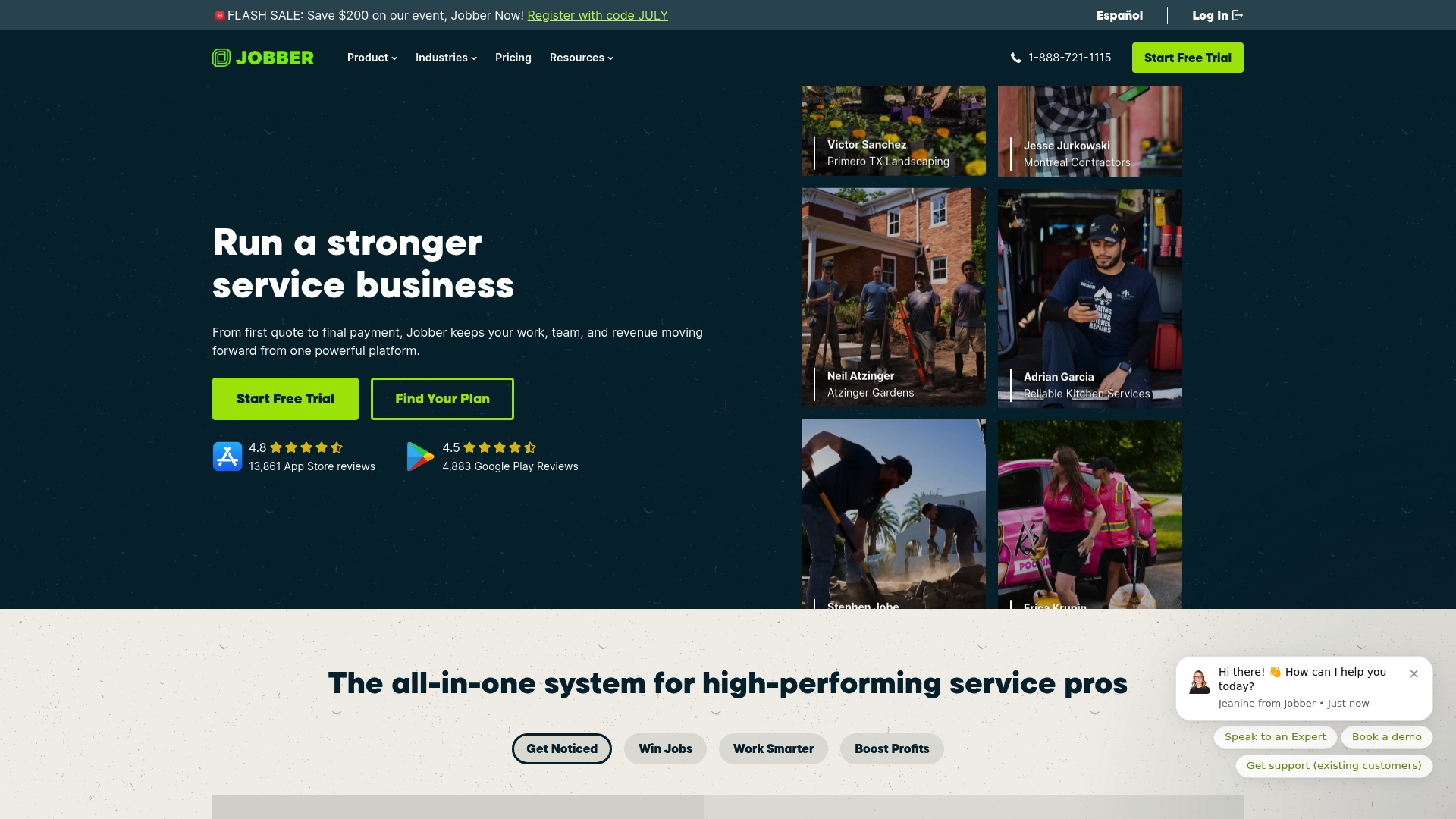
Jobber reports it is trusted by over 400,000 home service pros across 50+ industries. That scale shows in broad feature coverage from booking to in-field documentation. The platform focuses on automation for quoting, notifications, and review requests.
Core Features
Jobber bundles client and job management with a CRM that preserves job history and communication records. It offers online booking, scheduling and dispatch tools, route optimization, and GPS tracking for field teams. The mobile app supports job checklists, photo attachments, timesheets, and automatic time tracking for payroll and invoicing.
Key Differentiator
Jobber centers on home and service industry workflows and includes AI-assisted automation for quoting and scheduling. That focus aims to reduce manual updates for recurring work and repeat customers. The approach suits companies that need field tools matched to residential service routines.
Pros
Jobber combines office and field workflows so you can manage quotes, scheduling, and billing in one place. The mobile feature set supports voice notes, photo logs, and GPS timers that help supervisors verify work without calls. Integrations with accounting, payments, and crew tools reduce bookkeeping time and keep customer records synchronized.
Cons
- Pricing can be expensive for very small or new businesses, especially at higher tiers.
- The platform has a learning curve when teams adopt advanced automation and templates.
- Some templates and workflow elements offer limited customization compared with developer-led systems.
- Customer support experiences vary, with some users reporting slower response times.
When It May Not Fit
If you are a solo operator on a tight budget, the monthly cost may outweigh the benefit. Teams that require deep template or UI customization will find limits in the workflow editor. If you want a lightweight scheduling app without payroll or invoicing, this product may feel feature heavy.
Notable Integrations
- QuickBooks Online
- Stripe
- FleetSharp
- Zapier
- Gusto
- CompanyCam
- Mailchimp
Who It's For
This product fits home service professionals and small to medium service businesses that handle recurring jobs and customer billing. You will get the most value if you manage crews, need client portals, or use mobile teams that require checklists and photo documentation. Companies wanting integrated accounting and payroll workflows will appreciate the connector list.
Real World Use Case
A landscaping company uses Jobber to schedule weekly maintenance, dispatch crews, and collect signatures in the field. The team automates invoice delivery and review requests after completed visits. That setup reduces back-office follow up and keeps job costs visible in one place.
Pricing
Plans start at $29/month for smaller teams or individual users. Tiered plans scale to $499/month for the full Plus plan, and annual billing offers discounts.
Website: https://getjobber.com
ServiceTitan
At a Glance
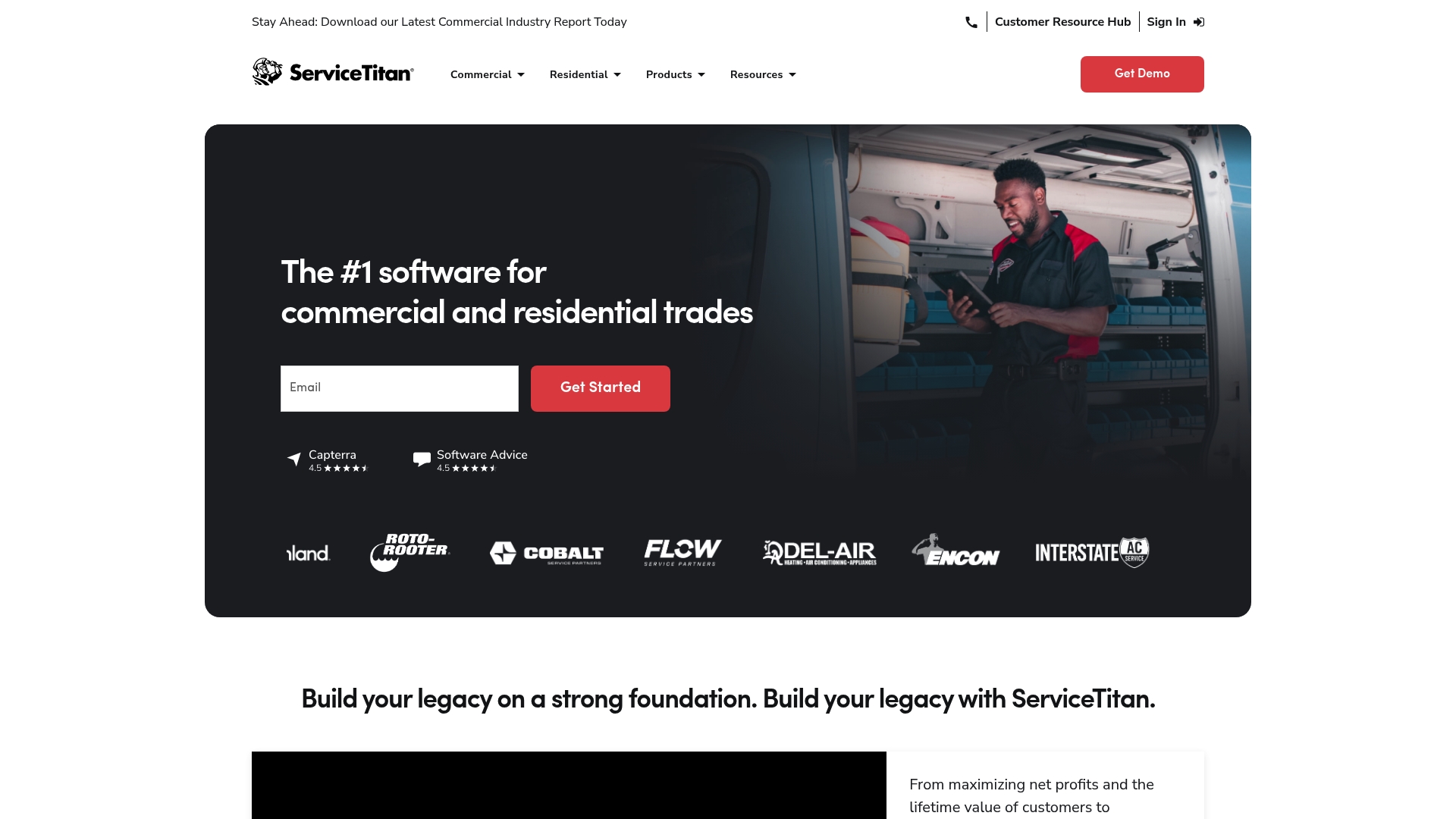
ServiceTitan's marketing materials state integrations with over 70 other software solutions. This positioning highlights its focus on connecting field operations to accounting, parts suppliers, and diagnostics tools. The product targets commercial and residential trades and emphasizes tools that touch every stage from booking to invoicing. That integration claim explains why larger trade contractors choose it for a connected stack.
Core Features
ServiceTitan groups scheduling, dispatching, and crew management with customer relationship management and invoicing into a single workflow. The platform includes a Proposal Builder for branded quotes, job costing and work in progress reporting for margin control, and a Field Mobile App that pushes dynamic forms and client pricing to technicians. It also covers inventory and purchasing automation, service agreements, and marketing tools for lead follow up.
Key Differentiator
The vendor positions ServiceTitan as built specifically for trades with industry-leading features for end to end business management. That positioning means its feature set maps closely to trade workflows such as proposal-to-invoice and service agreement renewal rather than one size fits all approach. Compared with Firmanager, ServiceTitan focuses more narrowly on trade operations and integrations with supplier and diagnostic ecosystems.
Pros
Configured workflows reflect trade priorities, so crews see the right pricing, safety forms, and parts lists on mobile. The platform combines sales, operations, and finance features, which reduces the number of separate systems technicians and schedulers must use. Integrations and reporting aim to surface margin leaks and recurring revenue opportunities, giving office managers data to act on without manual spreadsheets.
Cons
- High complexity may require a training program for new users.
- Pricing details are not openly disclosed, which can delay budget decisions for smaller companies.
- Some teams find the feature set overwhelming when they only need basic scheduling and invoicing.
- The platform depends on internet connectivity for cloud services, which complicates work in low coverage areas.
When It May Not Fit
Small or very new businesses that need only basic booking and invoicing will likely find ServiceTitan more than they require. Firms that want transparent, self-serve pricing may prefer vendors that publish rates. Teams with unreliable cellular coverage should evaluate offline capabilities before committing. If you need a lightweight system to start, this product may slow early adoption.
Notable Integrations
- ServiceChannel
- XOi
- Viewpoint Spectrum
- Sage
- Ferguson
- Others
Who It's For
Trades and field service contractors seeking a single system to manage proposals, dispatch, contracts, and reporting will benefit most. The product fits companies that have multiple technicians, a parts supply chain, and recurring service agreements. Organizations planning to integrate accounting and supplier systems will get more value from that integration claim.
Real World Use Case
A plumbing company uses ServiceTitan to book appointments, dispatch crews, and generate branded proposals on site. Technicians complete dynamic forms in the mobile app, and the office posts invoices to accounting without rekeying data. That flow improves job profitability visibility and customer follow up for warranty and contract renewals.
Pricing
ServiceTitan does not publish standard pricing on its site. Vendor materials indicate customized pricing based on company size and modules selected. Prospective buyers must contact sales for a quote and implementation estimate.
Website: https://servicetitan.com
Housecall Pro
At a Glance
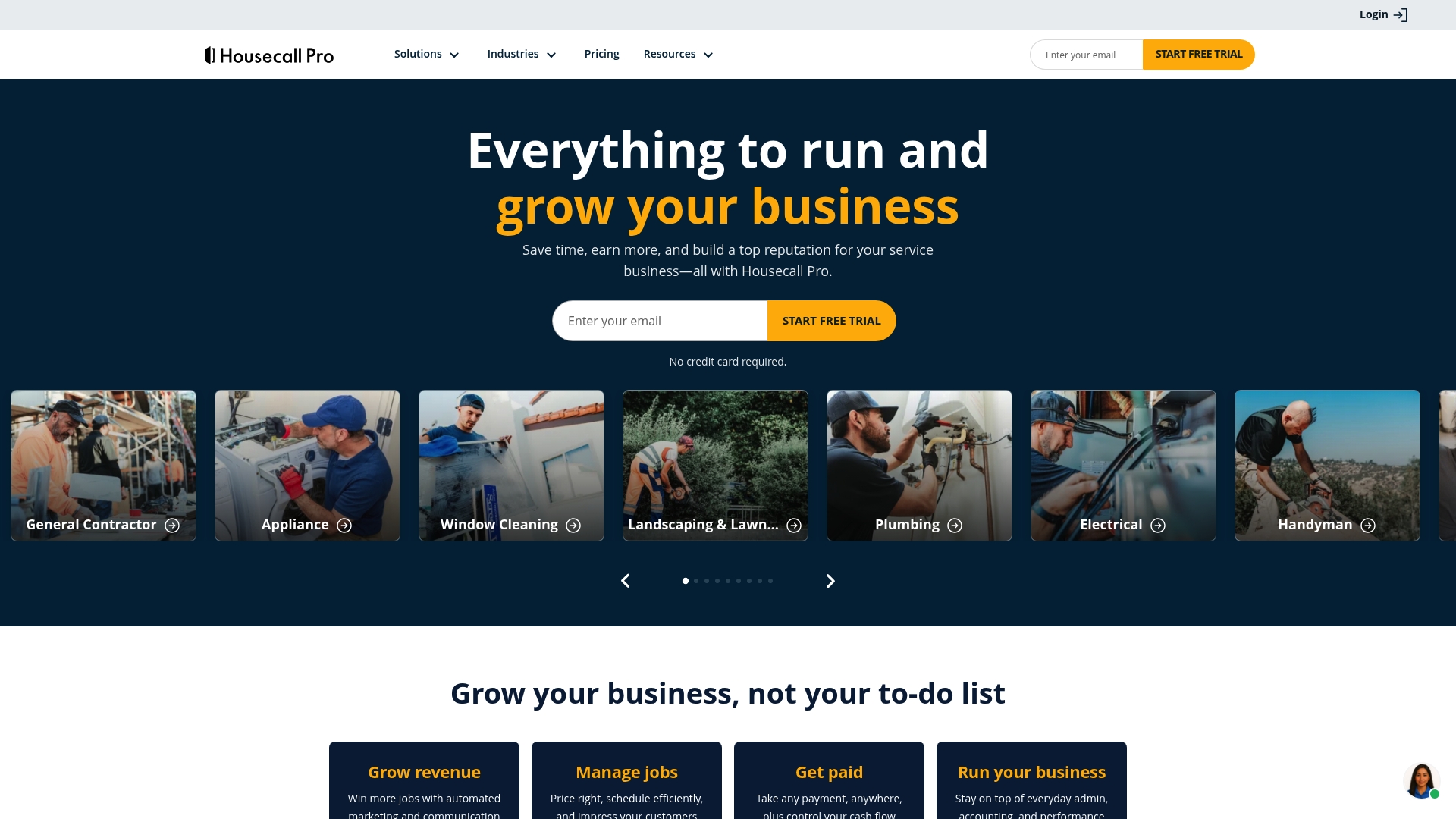
Starting at $59/month (billed annually), Housecall Pro packages scheduling, invoicing, and customer messaging for home service teams. The product supports online booking, payments, and review management alongside mobile and desktop apps. Its toolset aims to reduce manual work for trades such as plumbing, HVAC, and electrical.
Core Features
Housecall Pro provides online booking and payment processing, scheduling and dispatch tools, and customer relationship features that work in the field and on desktop. The platform includes estimate and proposal tools, invoicing, business reporting, and GPS fleet tracking for vehicles. It also offers review management, templates for trade-specific workflows, and AI-powered customer automation.
Key Differentiator
Housecall Pro centers on a single platform built specifically for home service trades. That focus groups scheduling, CRM, payments, and marketing inside one interface rather than across separate apps. The vendor emphasizes automation and trade templates to reduce repetitive tasks for technicians and office staff.
Pros
The mobile and desktop apps are easy to adopt for crews who work on calls. The product supports a range of trades and scales to multi-user teams, which helps growing shops keep jobs and billing in one place. Automation features, including AI-driven messaging and review prompts, cut time spent on follow ups and routine customer updates.
Cons
- Pricing can add up for very small operations. The reported starting tier may not include features some teams need.
- Advanced features require a learning period. New users report a learning curve when adopting deeper scheduling or reporting tools.
- Integrations and support occasionally cause friction. Some users report delays or quirks when linking external services and when waiting for vendor support.
When It May Not Fit
If you run a one-person operation with a very tight budget, the platform could feel expensive. Enterprises that require heavy customization or a bespoke workflow will likely need a different vendor. Teams that depend on flawless third-party connections should test integrations thoroughly before committing.
Notable Integrations
- QuickBooks for accounting sync
- Thumbtack for lead generation
- Wisetack for financing options
- Google Local Service Ads for paid leads
- Buildbook for project documentation
Who It's For
Tradespeople and small to mid-sized home service companies that want a single place for jobs, billing, and customer outreach. Office managers who process invoices and dispatch teams will find the reporting and scheduling useful. Businesses planning to scale beyond solo operations will gain from added multi-user and automation features.
Real World Use Case
A plumbing company uses Housecall Pro to centralize scheduling, invoicing, and GPS fleet tracking. The team handles 50+ jobs per month across several crews while keeping estimates and payments tied to each job. That setup reduces duplicate entries and shortens billing cycles.
Pricing
The Basic plan starts at $59/month when billed annually. Higher tiers unlock multi-user access, advanced reporting, and more automation. Final cost varies by chosen plan and optional features.
Website: https://housecallpro.com
Service Fusion
At a Glance
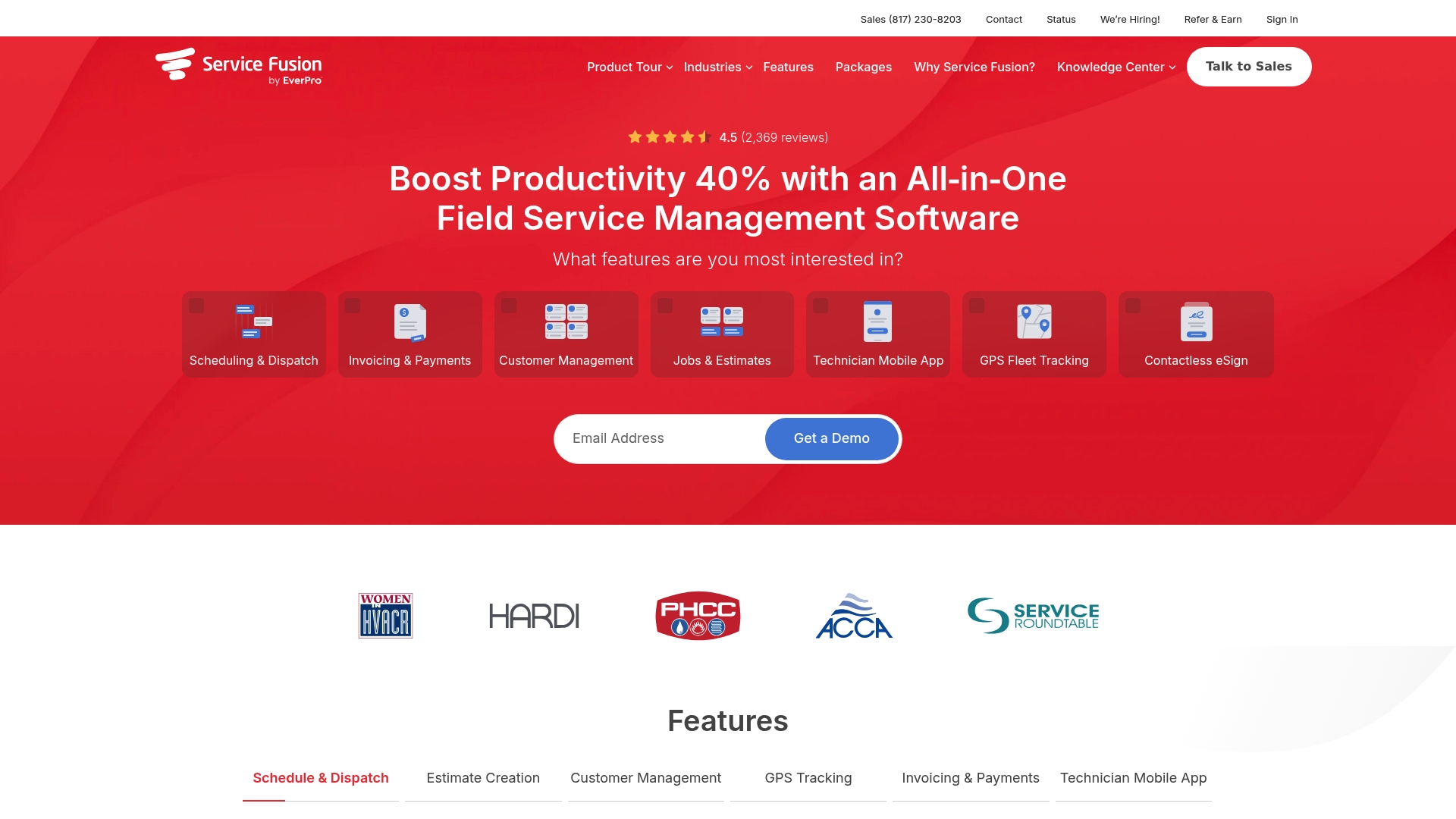
Service Fusion reports a 4.5-star customer satisfaction rating based on thousands of reviews. The product bundles scheduling, dispatch, GPS vehicle tracking, invoicing, and a technician mobile app into one offering. It targets small and midsize contractors in HVAC, plumbing, electrical, and appliance repair.
Core Features
Service Fusion centralizes scheduling and dispatch with tools for estimate creation and job management. The technician mobile app delivers job details, contactless eSignatures, and field invoicing so technicians close jobs and collect payments onsite. The platform also offers GPS fleet tracking and an integration with QuickBooks for accounting sync.
Key Differentiator
Service Fusion focuses on contractors who need a single tool that covers field workflows end to end. That focus pairs dispatch and field mobility with fleet visibility and billing features. For companies that want fewer point tools, this narrow scope reduces the number of vendor relationships to manage.
Pros
The interface is widely reported as user friendly and simple to customize, which lowers the learning curve for crews and office staff. Scheduling and dispatch features help reduce idle time and improve daily coordination between office and field. The QuickBooks connection and in-field invoicing let accounting close faster and cut reconciliation work. Real-time vehicle tracking gives operations managers better visibility into routing and technician locations.
Cons
- Pricing may be expensive for very small contractors when they select higher tiers, especially if they need only basic scheduling.
- Some third-party reviews cite limited automation compared with competitors, so repeatable workflows may require manual setup.
- Occasional bugs or interface glitches appear in user reports, which can interrupt busy schedules.
- The full feature set can feel complex at first and typically requires some training for office staff and technicians.
When It May Not Fit
Very small outfits that only need simple scheduling and basic invoicing will likely find the higher-tier prices hard to justify. Teams seeking advanced no code automation may find the product less capable than specialist automation tools. Organizations with zero tolerance for occasional software bugs will need to plan for periodic updates and support engagement.
Notable Integrations
- QuickBooks for accounting synchronization and invoice reconciliation.
Who It's For
Owners and managers of small to midsize service contracting businesses will get the most value. The product fits HVAC, plumbing, electrical, and appliance repair companies that run multiple technicians and vehicles. It suits operations that want mobile invoicing, real-time location visibility, and tighter office to field coordination.
Real World Use Case
The vendor reports a 25% boost in productivity when an HVAC contractor adopts Service Fusion. In practice the contractor uses the mobile app to push job details, dispatchers adjust routes with live GPS data, and technicians collect onsite payments. That combined workflow reduces return visits and speeds customer billing.
Pricing
Service Fusion starts at $192/month for the Starter plan. Higher tiers listed at $298 and $489 per month add more features and still permit unlimited users. Discounts are available for annual billing.
Website: https://servicefusion.com
ServiceM8
At a Glance
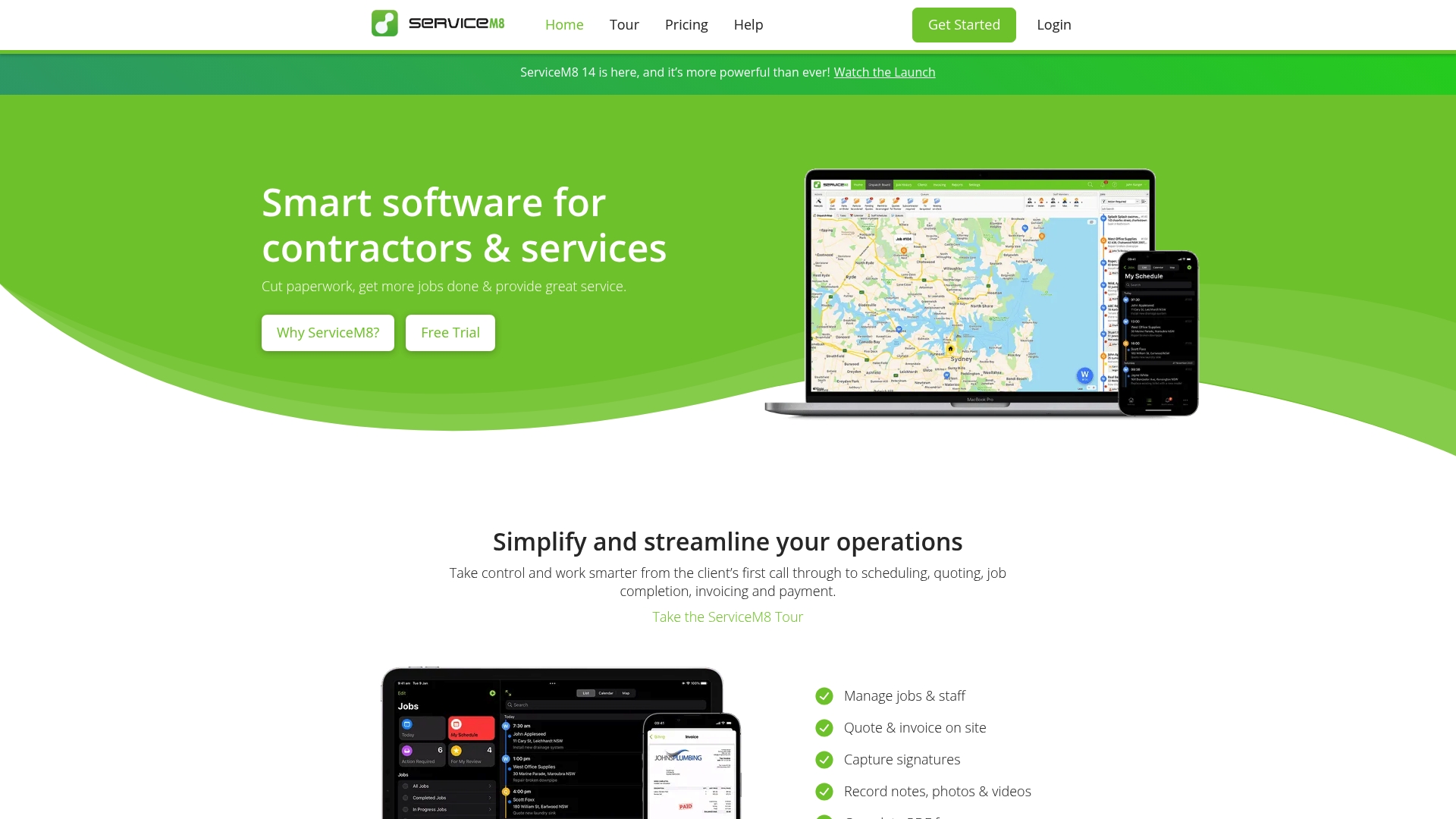
Optimized for Apple devices, ServiceM8 also provides a Lite Android app for field workers and fast mobile workflows. It has won Xero's Global Innovation App of the Year and carries Xero's Preferred App Badge. The product targets technicians who need quick job updates and client payments from a phone or tablet.
Core Features
ServiceM8 handles job and staff management, scheduling and dispatch, quoting, and invoicing in one product. It supports in-person and online payments and includes electronic forms for reports, safety checklists, signatures, and photo or video evidence. The platform also offers barcode scanning, supplier invoice importing, progress invoicing, online quote acceptance, PDF certificates, proposals, and job templates.
Key Differentiator
The strongest point is the mobile-first design tuned to Apple hardware for speed and ease of use in the field. That focus shows in a smooth iOS app and workflows built around quick job updates and signature capture. Teams that rely on phones or tablets for most of their work will notice the difference.
Pros
The iOS app feels fast and intuitive, which reduces time spent entering data on site. Feature coverage spans booking, dispatch, quoting, invoicing, and payments, so teams can complete more of a job from the field. ServiceM8 connects to major accounting systems such as Xero and QuickBooks Online, and it offers a free tier plus scalable paid plans. The product has earned industry recognition for its accounting integration and mobile focus.
Cons
- Many advanced features like asset tracking, custom reporting, advanced job costing, and proposal bundles are gated behind higher-priced plans.
- The Premium Plus plan may feel expensive for sole practitioners or very small operators.
- New users report a learning curve and say effective use often requires formal onboarding or training.
When It May Not Fit
If you need built-in asset management or highly customizable reports without upgrading, this product may not match your needs. Very small single-operator businesses that want every feature at the lowest cost may find the top tiers too pricey. Teams without time to train staff will struggle to unlock all capabilities.
Notable Integrations
ServiceM8 integrates with accounting platforms and automation tools commonly used by service firms. Key connections include Xero, QuickBooks Online, MYOB, Mailchimp, Zapier, and n8n. These integrations cover bookkeeping, marketing, and workflow automation needs.
Who It's For
Small to medium trades and service contractors who run mobile crews will benefit most. The product suits electricians, plumbers, HVAC technicians, cleaners, locksmiths, and pest control teams. Organizations that prioritize mobile speed and tight accounting integration will find it a good match.
Real World Use Case
A plumbing company uses ServiceM8 to assign jobs, dispatch technicians, and capture client signatures on site. Technicians send quotes, accept online payments, and generate invoices from their phones. The company keeps a searchable job history with photos and PDFs for every client.
Pricing
ServiceM8 offers a Free tier and four paid plans. Starter is $29/month, Growing is $79/month, Premium is $149/month, and Premium Plus is $349/month. Plan choice affects access to advanced features and the number of active jobs supported.
Website: https://servicem8.com
Comparison of alternatives
Choosing the most suitable field service management software requires understanding the varying strengths and focuses of each option. This comparison considers the key features, tradeoffs, and user benefits of notable options to assist service businesses in selecting the tool that best supports their operations and goals.
Integration capabilities
One vital dimension in field service tools is their ability to integrate with external platforms and systems. In this aspect, ServiceTitan distinguishes itself with its extensive network of over 70 integrations, covering tools for accounting, supplier management, and diagnostics. For businesses heavily reliant on third-party software solutions, ServiceTitan presents significant value by reducing workflow friction. By contrast, Firmanager focuses predominantly on maintaining an all-in-one solution with fewer integrations, favoring internal cohesion over external connectivity.
Interface and usability
User experience plays a critical role in adopting and utilizing a selected platform. ServiceM8 excels in its Apple-optimized interfaces, providing a smooth and efficient experience for iOS devices. This design supports streamlined workflows for field workers who rely on their mobile devices for daily operations. On the other hand, Housecall Pro emphasizes trade-specific templates and a combined mobile and desktop interface that benefits teams requiring structured workflows without extensive custom configuration.
Best fit
- Service businesses needing real-time synchronization of operational tools across mobile and desktop platforms should select Firmanager for its unified environment.
- Companies requiring an extensive ecosystem of integrations across supplier chains and diagnostics ecosystems will find ServiceTitan effective in enhancing connected operations.
- Teams emphasizing simple adoption with trade-specific templates and combined mobile and desktop functionality should prefer Housecall Pro.
- Those prioritizing mobile-device efficiency, especially within an Apple ecosystem, should explore ServiceM8.
- Organizations valuing end-to-end contractor tools with GPS tracking and invoicing efficiencies should evaluate Service Fusion.
Our pick
For service industries that need a unified workspace integrating CRM, invoicing, workforce management, and HSE, Firmanager provides a and flexible solution. Its mobile-first design caters to both field and office teams, reducing manual reconciliation and ensuring real-time data consistency. Businesses focusing on specialized accounting systems or extensive third-party connectivity might consider alternatives; however, Firmanager's nature positions it as the choice for businesses seeking streamlined, operational coordination.
Compare these field service management platforms to choose the solution that aligns perfectly with your needs and operational goals.
| Software | Core Feature | Best For | Pricing | Notable Limitation |
|---|---|---|---|---|
| Firmanager | Unified CRM, invoicing, and safety modules | Small to medium firms managing field operations | Free, $19/month, $49/month | Limited third-party integrations |
| Jobber | CRM with automation for quoting and scheduling | Home service pros handling routine maintenance | $29/month to $499/month | Potentially high cost for small businesses |
| ServiceTitan | Trade-specific tools with supplier integrations | Larger contractors needing end-to-end workflows | Price not published | Complex setup requiring training |
| Housecall Pro | Mobile apps for booking, payments, and reviews | Trades scaling operations with growing staff | $59/month and up | Some advanced features require learning |
| Service Fusion | Scheduling and field invoicing with QuickBooks | Small contractors in HVAC and plumbing trades | $192/month and up | Limited automation for workflows |
| ServiceM8 | Apple-focused job and payment tools | Mobile service teams prioritizing iOS processes | $29/month to $349/month | Advanced features gated behind top tiers |
How to Solve Common Challenges with Field Service Software
Service businesses often face broken communication, duplicate data entry, and scattered tools that slow operations and create costly errors. Firmanager offers a single platform that combines CRM, sales tracking, work order management, finance, and safety compliance. This all-in-one design keeps field teams and office staff aligned with live dashboards and employee portals, reducing manual work.

When searching for the best field service software, consider Firmanager as a solution that unites your sales, dispatch, invoicing, and compliance needs. Visit Firmanager's website to see how real-time cloud syncing and mobile support help small to medium service businesses get more done with less hassle. Explore Firmanager and take the next step toward better operations.
FAQ
How does Firmanager support CRM needs for field service businesses?
Firmanager centralizes CRM for contacts and service history. The platform integrates sales, quotes, and invoicing with multi-currency support to help manage client interactions effectively.
What is the difference between Jobber and Firmanager?
Jobber effectively automates quoting, notifications, and review requests to streamline home service workflows. Firmanager, on the other hand, centralizes multiple operational modules like CRM, work orders, and HSE compliance into one platform for a more unified approach.
Which platform offers better offline capability for field teams, Firmanager or ServiceTitan?
Firmanager offers cloud sync and offline support, ensuring records remain consistent even without connectivity. This feature is crucial for technicians working in locations with poor internet access.
Can I use Firmanager for managing compliance along with operational tasks?
Yes, Firmanager includes built-in HSE compliance tools that cover risk assessments, incident reports, and training tracking, making it a suitable option for businesses that need to manage compliance.
What are Firmanager’s pricing tiers for small service businesses?
Firmanager offers a free plan along with paid tiers priced at $19/month for Pro and $49/month for Business, allowing small teams to start with core features and expand as needed.