Housecall Pro Alternatives for Service Businesses in 2026

Housecall Pro Alternatives for Service Businesses in 2026
The best Housecall Pro alternative depends on your size and on what you need in one place. Jobber is the name reviewers cite most for scheduling and invoicing. ServiceTitan suits larger technician teams. Service Fusion, FieldPulse and Workiz sit in between. If you want CRM, work orders, invoicing, HR and compliance under one login, with a free plan to start, Firmanager is the option we built for that.
This guide compares the options service owners most often shortlist, explains what to weigh before you switch, and shows where Firmanager fits.
TL;DR
- G2 lists Jobber, FieldPulse, ServiceTitan, Workiz and Service Fusion as the main Housecall Pro alternatives.
- Team size is the first filter: ServiceTitan is positioned for shops with roughly 10 or more technicians, while smaller crews often want something lighter.
- Firmanager combines CRM, work orders, dispatch, invoicing, HR and HSE compliance in one platform. Plans: Free at $0, Pro at $19 per month, Business at $49 per month.
- Before switching, list your must-have workflows, check mobile access in the field, and plan how to move customer and job data.
Table of Contents
- Why service businesses look beyond Housecall Pro
- What to compare before you choose
- The main Housecall Pro alternatives compared
- Which option fits which business
- How to switch without losing a week of work
- Our perspective
- Try Firmanager on your own jobs
- FAQ
- Sources
Why service businesses look beyond Housecall Pro
Housecall Pro is a well-known field service tool. Its dispatching includes a real-time visual board with color-coding by area or technician. Owners still shop around, and the reasons are usually practical:
- Fit for size. A two-person crew and a 40-technician company need different tools.
- Scope. Some owners want HR, leave tracking and safety compliance in the same system as jobs and invoices, not in separate apps.
- Cost structure. Per-seat or tiered pricing can change as the team grows.
- Workflow. Recurring work, quoting, supplier management and reporting may matter more than booking alone.
None of that means a tool is wrong. It means you should compare against your own operation, not a generic top-ten list.
What to compare before you choose
A short checklist saves weeks of trial and error. Score each tool on these points.
Scheduling and dispatch
Can you see every technician’s day at a glance, reassign a job in a few clicks and notify the customer? Jobber offers a drag-and-drop calendar with color-coding and route optimization on higher plans. ServiceTitan is described as providing more advanced capacity planning and drag-and-drop fleet management. If dispatch is your daily headache, our practical guide to technician dispatching covers the basics to look for.

Mobile access in the field
Technicians need job details, customer history, notes and directions on a phone. Contractor Magazine’s review notes that ServiceTitan’s app gives technicians customer history, estimates, note-taking, GPS directions, new-job notifications and digital forms. Whatever you pick, test the app where your crews work, including spots with weak signal. We wrote about this in field service CRM features and offline access, and about daily crew workflows in our mobile job management guide.
Invoicing, quoting and reporting
Look at how a finished job becomes an invoice, how payments are collected and what reports you get. ServiceTitan offers digital invoicing and reporting, including more than 150 types of analytics. That depth suits big operations. Smaller teams usually need clear revenue, job and outstanding invoice views more than a huge report library.
If you sell high-ticket jobs such as system replacements, offering customers a payment route can help quotes close. This overview of HVAC financing for high-ticket jobs shows how contractors approach it, and whichever software you choose should let you attach quotes and invoices cleanly to that process.

Ease of setup and support
G2 reports that reviewers find Jobber easier to set up and do business with than Housecall Pro, and describes Workiz as user-friendly. Ease matters most in the first month, when your team decides whether to adopt the tool or drift back to spreadsheets.
Price and growth
Check what the price covers: seats, modules, usage limits. Then check what it costs when you double the team. Prices change often, so confirm every figure on each vendor’s own pricing page before you decide.
The main Housecall Pro alternatives compared
The table summarizes what the checked sources say. Where a cell says “see vendor”, confirm current terms on the vendor’s site.
| Option | Best known for | Typical fit | Price notes |
|---|---|---|---|
| Jobber | Scheduling and invoicing, named best overall alternative by G2 | Small and mid-size service teams | See vendor |
| ServiceTitan | Advanced analytics, capacity planning, rich mobile app | Companies with about 10 or more technicians | See vendor |
| Service Fusion | Unlimited users, multi-location support, inventory | Growing multi-crew companies | Starter at $245 per month flat, per a 2026 review |
| FieldPulse | Field service management for trades | Small to mid-size trades | See vendor |
| Workiz | User-friendly interface | Small teams and solo operators | See vendor |
| Firmanager | CRM, work orders, invoicing, HR and HSE in one login | Maintenance, cleaning and technical service companies | Free $0, Pro $19 per month, Business $49 per month |
Jobber
G2 names Jobber the best overall Housecall Pro alternative, with reviewers praising scheduling and invoicing. It is a natural first look if your priority is a clean calendar and quick billing.
ServiceTitan
ServiceTitan is the heavyweight. Its analytics, dispatch capacity tools and technician app are deep. Trade Software Reviews positions it for businesses with 10 or more technicians and notes that below roughly that size, shops may pay for features they do not use. If you run a small crew, weigh that carefully.
Service Fusion
Service Fusion’s Starter plan is listed at $245 per month flat with unlimited users, and adds multi-location support and inventory. Flat pricing with unlimited users works well when you have many office and field staff. Verify the current price on the vendor’s page, since this figure comes from a 2026 review.
FieldPulse and Workiz
Both appear on G2’s list of Housecall Pro alternatives. Workiz is described as user-friendly, which suits owner-operators who want to be productive on day one. FieldPulse is a common shortlist item for trades businesses that want field service features without enterprise complexity.
Firmanager
Firmanager is an all-in-one business management platform for service companies. One login covers:
- CRM, customer and facility management
- Work orders and field service management
- Task and recurring workflow tracking
- Sales pipeline and quoting
- Invoicing with Stripe integration
- Route and dispatch management
- Employee self-service mobile portal
- Time and leave tracking
- HSE (health, safety and environment) compliance
- Supplier and product management, document handling
- Financial management with real-time analytics
- Real-time notifications via SMS and email
The platform is cloud-synced, so office staff and technicians see the same data. It is modular, so you can use what you need and add the rest as you grow.
Which option fits which business
Match the tool to the stage of your company.
- Owner-operator or two to three people. You want fast setup and low cost. A free tier or entry-level plan lets you run jobs and invoices without a long commitment. Firmanager’s Free plan costs $0, and Pro is $19 per month.
- Growing crew of 4 to 10. You need dispatch, recurring jobs, quoting and clear reports. Compare Jobber, FieldPulse, Workiz and Firmanager on the daily workflow, not the feature count.
- 10 or more technicians, multiple departments. Analytics and capacity planning gain value. ServiceTitan and Service Fusion are the usual comparisons, and Firmanager’s Business plan at $49 per month is worth pricing against them if you want HR, leave and compliance in the same system.
- Maintenance, cleaning or technical services with compliance duties. If safety records, documents and employee time sit outside your field service tool today, a platform that includes HSE, HR and time tracking removes a layer of duplicate entry.
How to switch without losing a week of work
Switching feels risky because your customers and jobs live in the old system. A staged move keeps it manageable.
- Export your data. Customers, addresses, open jobs, price lists and invoice history. Keep a copy before you change anything.
- Map your workflows. Write down how a job moves from request to quote, work order, completion and invoice. Reproduce that flow in the new tool. Our guide to work order templates helps you stop re-entering the same data on every job.
- Pilot with one crew. Run one team on the new tool for two weeks. Check dispatch, mobile access and invoicing against real jobs.
- Train in short sessions. Technicians need to know how to open a job, log time and add notes. Office staff need dispatch and billing.
- Cut over at a quiet point. Move at the start of a billing cycle so invoices do not straddle two systems.
If you are testing AI-assisted scheduling in any tool, these five operational checks for piloting AI dispatching apply to every vendor.
Our perspective
Most service owners we talk to do not need the biggest tool. They need one where the customer record, the work order, the invoice and the employee schedule are the same data, not four apps stitched together.
That is why we built Firmanager as a single platform with a single login. When a technician closes a job on the mobile portal, the work order updates, the invoice can be created, and the manager sees the result in real-time analytics. Nobody re-types anything.
We also think the right tool should grow with you. Modules let you start with what you need today, such as CRM and work orders, and add HR, leave tracking, HSE compliance or supplier management when the business calls for them. The Free plan lets you begin without a budget conversation, and paid plans start at $19 per month.
When you compare any alternative to Housecall Pro, ask one question first: does this tool cover how my whole business runs, or only the part that happens in the van?
KaiosMedia
Try Firmanager on your own jobs
If the checklist above matches what you need, the quickest way to judge a tool is to run your own work through it. Firmanager offers a Free plan at $0, Pro at $19 per month and Business at $49 per month, so you can start small and move up as your team grows.
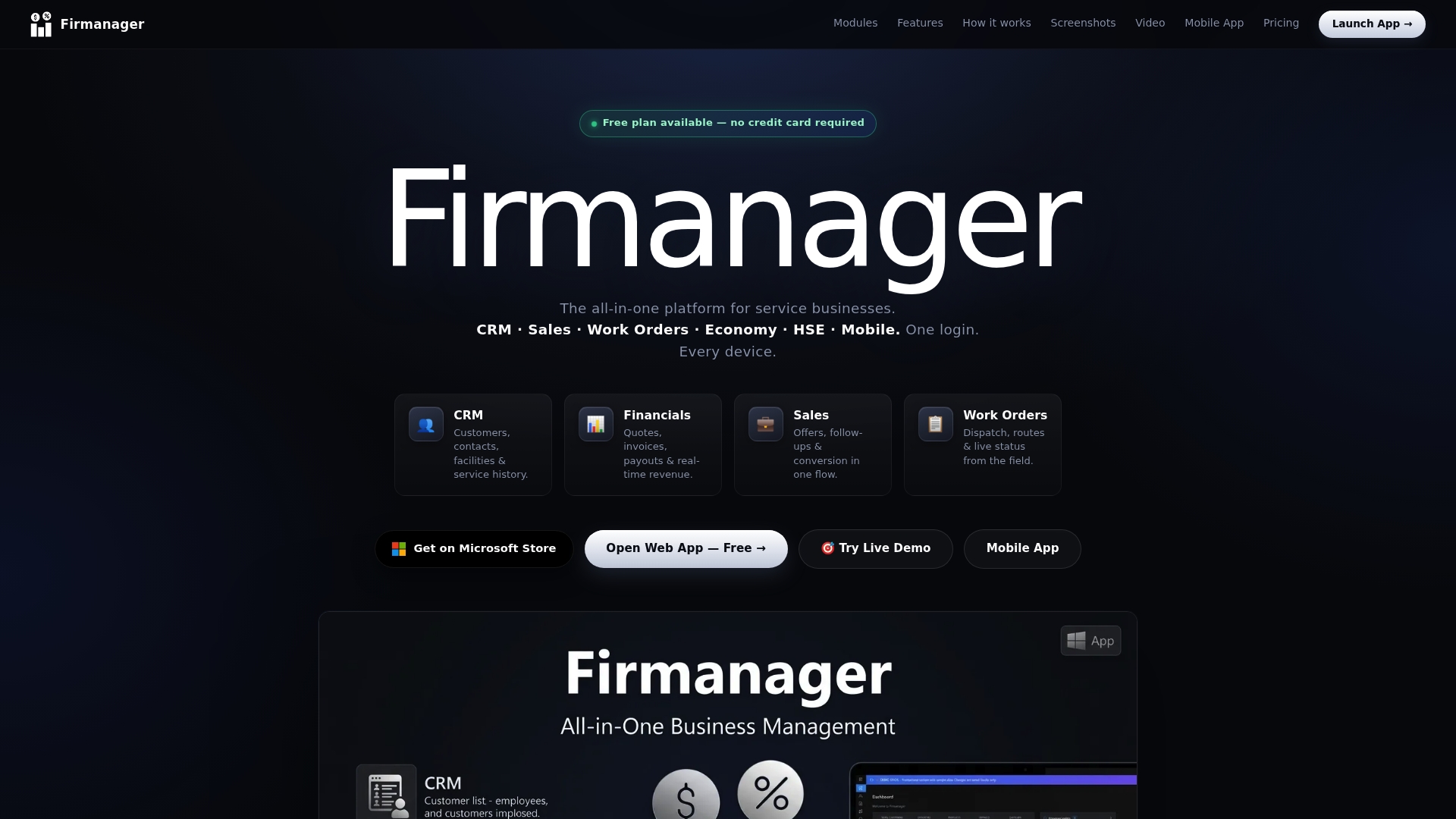
See the plans and start on the Firmanager pricing page, or go straight to the Firmanager app to set up your first customer and work order. For more practical guides, browse the Firmanager blog.
FAQ
What is the best alternative to Housecall Pro?
It depends on team size and priorities. G2 names Jobber the best overall alternative, praised for scheduling and invoicing. ServiceTitan suits teams of about 10 or more technicians. If you want CRM, work orders, invoicing, HR and compliance in one login, Firmanager is built for that and starts free.
Which Housecall Pro competitors suit small teams?
Jobber, Workiz and FieldPulse are common choices for small crews, and G2 describes Workiz as user-friendly. Firmanager also fits small service companies, with a Free plan and a Pro plan at $19 per month. Larger platforms may charge you for features a small shop does not use.
What should I compare before switching field service software?
Compare scheduling and dispatch, mobile access for technicians, invoicing and reporting, ease of setup, and what the price covers as you add staff. Pilot with one crew on real jobs before moving everyone, and export your customer and job data first.
Can I move my customer data to a new platform?
Usually yes. Export customers, open jobs, price lists and invoice history from your current tool, then import or re-create them in the new one. Do the cutover at the start of a billing cycle so invoices stay in one system.
Sources
- Top 10 Housecall Pro Alternatives & Competitors in 2026, G2
- 7 Best Housecall Pro Alternatives (2026), by Team Size, Trade Software Reviews
- Jobber Vs. Housecall Pro: Which One Fits Your Needs Better?, Contracting Empire
- Field Service Software, Contractor Magazine
- HVAC Financing Guide: Close More High-Ticket Jobs in 2026
Recommended
Run your whole business in one place
CRM, quotes, work orders, invoicing, expenses, HR and HSE — one login, every device. Free-forever plan.
Start free →