One Hour Draft Window: Fix Recurring Invoice Errors for Service Teams
One Hour Draft Window: Fix Recurring Invoice Errors for Service Teams
A recurring invoice is a scheduled bill sent to the same customer at a set cadence for the same or predictable amount, built to save you from rebuilding the same paperwork every month. The first move is simple: create a reusable template as a series, then decide whether customers pay it themselves or your system charges them automatically.
TL;DR:
- Recurring invoices work best when billing amounts and services are stable and predictable, such as for retainers, subscriptions, or lease contracts.
- Finalized invoices must be checked within roughly one hour of creation to correct mistakes before payment attempts are made, typically by payment platforms like Stripe.
- Regular monitoring, maintaining a detailed billing register, and automating reconciliation are crucial to managing recurring invoicing effectively and avoiding revenue loss.
- Handling failed payments promptly, calculating proration accurately, and voiding duplicates prevent payment delays and maintain clean financial records.
- Using a platform like Firmanager streamlines setup, connects invoicing with fieldwork, and improves collection accuracy, especially for service businesses with recurring contracts.
Table of Contents
- What Are Recurring Invoices and When Should You Use Them?
- How Do Recurring Invoices Work Behind the Scenes?
- How Do You Set Up Recurring Invoices Step by Step?
- What Are the Best Practices for Managing Recurring Invoices?
- How Do You Fix Common Recurring Invoice Problems?
- Recurring Invoices vs. Recurring Billing: Which Fits Your Business?
- What Legal and Tax Rules Apply to Recurring Invoices?
- How Do You Keep Recurring Invoice Data Secure?
- How Do Recurring Invoices Connect to Accounting and ERP Systems?
- Firmanager Perspective: Why Automating Recurring Billing Pays Off for Service Teams
- Set Up Recurring Invoices Faster With Firmanager
- Sources
What Are Recurring Invoices and When Should You Use Them?
A recurring invoice differs from a one-off bill in one key way: you build it once, and your system generates and sends it on a schedule without you touching it again. A one-off invoice covers a single job with a variable total. A recurring invoice assumes the amount and service stay roughly the same cycle after cycle.
That structure fits certain billing models cleanly:
- Monthly retainers for consulting, marketing, or legal services
- Subscription products or membership dues
- Maintenance contracts, like quarterly HVAC service or landscaping
- Rent, storage, or equipment leasing with fixed terms
Recurring invoicing breaks down when your billing is usage based or swings widely month to month. If a client’s bill depends on hours logged, materials consumed, or job scope that changes weekly, a static recurring template creates more corrections than it prevents.
How Do Recurring Invoices Work Behind the Scenes?
Every recurring invoice moves through a predictable lifecycle: draft, open (finalized), then paid or failed. Understanding what each status permits keeps you from making changes at the wrong moment.
- Draft: The invoice exists but isn’t final. You can edit line items, adjust amounts, or apply credits freely.
- Open: The invoice is finalized and locked for editing. Payment collection begins here, either by sending it to the customer or charging a saved payment method.
- Paid: Funds have been captured and matched to the invoice.
- Failed: A charge attempt didn’t go through. The invoice stays open for retries or manual follow-up.
Timing matters more than most business owners realize. Platforms like Stripe finalize subscription-generated invoices roughly one hour after creation, giving you a short window to catch errors before payment attempts start. That hour is your last chance to fix a wrong line item or apply a discount before the system treats the invoice as locked.
Pro Tip: Treat that draft window as a checkpoint, not a formality. A quick daily glance at pending drafts catches billing mistakes before they turn into refund requests.
When a charge fails, most systems don’t just give up. They retry on a schedule you configure, and once payment succeeds, automated reconciliation matches the payment to the invoice and flags any mismatch in amount for review.
How Do You Set Up Recurring Invoices Step by Step?
Setting up recurring invoices correctly the first time saves you from chasing down errors across dozens of future billing cycles. Work through this checklist in order:
- Choose your collection model. Decide between “send invoice” (the customer receives a bill and pays manually) and “charge automatically” (your system bills a saved payment method without customer action). Automatic charging requires the customer’s card or bank details on file and their consent to be billed that way.
- Build a reusable template. Write line items in plain language and always state the exact period covered, such as “Monthly SEO retainer, April 2026” instead of a vague description. This single habit prevents a large share of billing disputes before they start.
- Set the schedule and boundaries. Define the start date, end date (if any), billing frequency, and how you’ll handle proration for partial periods or mid-cycle plan changes.
- Enable autopay where it fits. Autopay enrollment usually has conditions attached. Some platforms restrict automatic charging for certain billing frequencies or set limits on invoice amounts eligible for autopay, so confirm your customer’s enrollment status before flipping the switch.
- Preview before you finalize. Look at the first generated invoice exactly as the customer will see it. Check the amount, the tax calculation, and the period wording.
- Run a small pilot. Turn the series on for a handful of customers before rolling it out to your entire book. Piloting the first cycle surfaces template errors, tax misconfigurations, and proration mistakes while the blast radius is still small.
Pro Tip: Pilot with your most patient customer first, not your biggest account. You want forgiving feedback on your first automated cycle, not a crisis.
What Are the Best Practices for Managing Recurring Invoices?
Recurring billing isn’t a system you set up once and forget. It needs a monitoring rhythm, the same way you’d check on a piece of equipment running unattended.
Build these habits into your week:
- Check a dashboard for invoice status and collection rate at least weekly, not just when something breaks.
- Tune your dunning cadence, meaning the schedule of reminders and retry attempts, to match your customer base. Retry settings that are too aggressive cause card declines and customer frustration; settings that are too lax delay cash for weeks.
- Maintain a register of every active recurring arrangement, including customer name, service, frequency, and next expected invoice date. This isn’t optional bookkeeping flair. It’s what lets your finance team catch a missed invoice or an expired card before it becomes a revenue gap, and it supports clean revenue recognition when auditors come asking.
- Automate reconciliation wherever your tools allow, but keep a manual check on exceptions like partial payments, disputes, or amount mismatches.
Pro Tip: Your recurring-arrangements register is your safety net. If your billing software goes quiet on one customer for a cycle, the register is what tells you to go look.
The businesses that get the most out of recurring invoicing treat it as a system to supervise, not a machine to ignore.
How Do You Fix Common Recurring Invoice Problems?
Most recurring billing headaches fall into three buckets: failed payments, proration confusion, and duplicate invoices. Fast, consistent responses to each keep cash flowing and your books clean.
- Failed payment: Confirm the notification triggered, let the configured retry attempts run, and reach out directly to the customer if retries exhaust without success.
- Proration disputes: When a customer upgrades, downgrades, or cancels mid-cycle, calculate the prorated amount explicitly and issue a credit or adjusted invoice rather than editing a finalized invoice after the fact.
- Duplicate invoices: Void the incorrect one rather than deleting it, so the audit trail shows what happened and why. A staged or progress-based approach can also help when partial billing triggers accidental duplicates.
- Recurring but wrong: If a customer’s needs have genuinely changed, pause or cancel the series and rebuild it. Editing a live template repeatedly is how billing errors compound.
Recurring Invoices vs. Recurring Billing: Which Fits Your Business?
Recurring invoices and recurring billing solve the same underlying problem, getting paid on a schedule, with a different trade-off between cash predictability and customer flexibility.
Recurring invoices (the “send invoice” model) put the payment decision in the customer’s hands. You get flexibility and lower dispute risk, but collection timing varies. Recurring billing (charge automatically) locks in predictable cash flow, but it demands a saved payment method, explicit customer consent, and awareness of platform limits on frequency or amount.
- Choose automatic charging when your amounts are stable and customers have already agreed to it in writing.
- Choose send invoice when amounts fluctuate slightly or customers expect to review before paying.
- For most service businesses, a hybrid works best: automatic charging for standard retainers, manual invoices for anything with variable scope.
What Legal and Tax Rules Apply to Recurring Invoices?
Recurring invoices carry the same legal weight as any other invoice, and repetition doesn’t reduce your compliance obligations. Every invoice you generate, automated or not, needs to meet your jurisdiction’s requirements for a valid billing document: your business name and tax ID, the customer’s information, a clear description of goods or services, the invoice date, and the amount due including any applicable tax.
Sales tax and VAT rules deserve particular attention because rates and rules can shift between billing cycles. A tax rate change, a customer relocating to a different tax jurisdiction, or a new local exemption can all make last month’s invoice template inaccurate for this month’s charge. Review your tax settings on a schedule, not just when a customer complains about the total.
Revenue recognition is another area where recurring billing gets tricky fast. If you invoice annually but deliver services monthly, your books need to reflect revenue as it’s earned, not as it’s billed. That’s a core reason to keep the recurring-arrangements register mentioned earlier: it gives your accountant a clean map of what’s been billed versus what’s actually been delivered.
Retention rules matter too. Most tax authorities expect you to keep invoice records for several years, and an automated system generating dozens of invoices monthly makes manual record-keeping unrealistic. Whatever platform you use should archive every invoice, every status change, and every payment attempt automatically, so you have a defensible paper trail if a tax authority or auditor ever asks.
None of this replaces advice from a licensed accountant familiar with your specific jurisdiction and business structure.
How Do You Keep Recurring Invoice Data Secure?
Recurring invoicing means storing sensitive information on an ongoing basis: customer payment details, contact information, and billing history that accumulates for years. That ongoing storage is exactly what makes security different from a one-time transaction.
Never store raw card numbers yourself. Reputable payment processors tokenize payment methods, meaning your system holds a reference token instead of the actual card number, which limits your exposure if your own systems are ever compromised. If a platform asks you to store full card data directly, that’s a signal to look elsewhere.
Limit who inside your business can view or edit recurring billing settings. A recurring series that runs for months or years is a standing liability if the wrong employee can quietly change the amount or redirect where funds land. Role-based access controls, where only specific team members can create or modify a recurring series, close that gap.

Watch for unusual activity, particularly failed charge attempts that spike suddenly or customer information edited outside normal hours. Both can signal a compromised account rather than a simple billing error.
Finally, be transparent with customers about what you store and why. A short note in your terms of service about how payment data is handled, and how long records are retained, builds trust and keeps you aligned with data protection expectations in most jurisdictions.
How Do Recurring Invoices Connect to Accounting and ERP Systems?
Recurring invoices generate a steady stream of data your accounting or ERP system needs to absorb correctly, or you end up reconciling by hand every month regardless of how automated the billing itself is.
The integration that matters most is real-time sync between your invoicing tool and your general ledger. When an invoice moves from open to paid, that status change should reflect in your books immediately, not after a manual export at month’s end. Delayed syncing is where most small businesses lose track of which invoices are actually collected versus just sent.
ERP integration adds another layer for businesses managing inventory, labor, or multi-location operations: recurring invoices tied to service contracts should connect to work order records, so a technician’s completed job automatically supports the invoice being billed. This is where a platform built specifically for service workflows tends to outperform a generic invoicing tool bolted onto separate scheduling software.
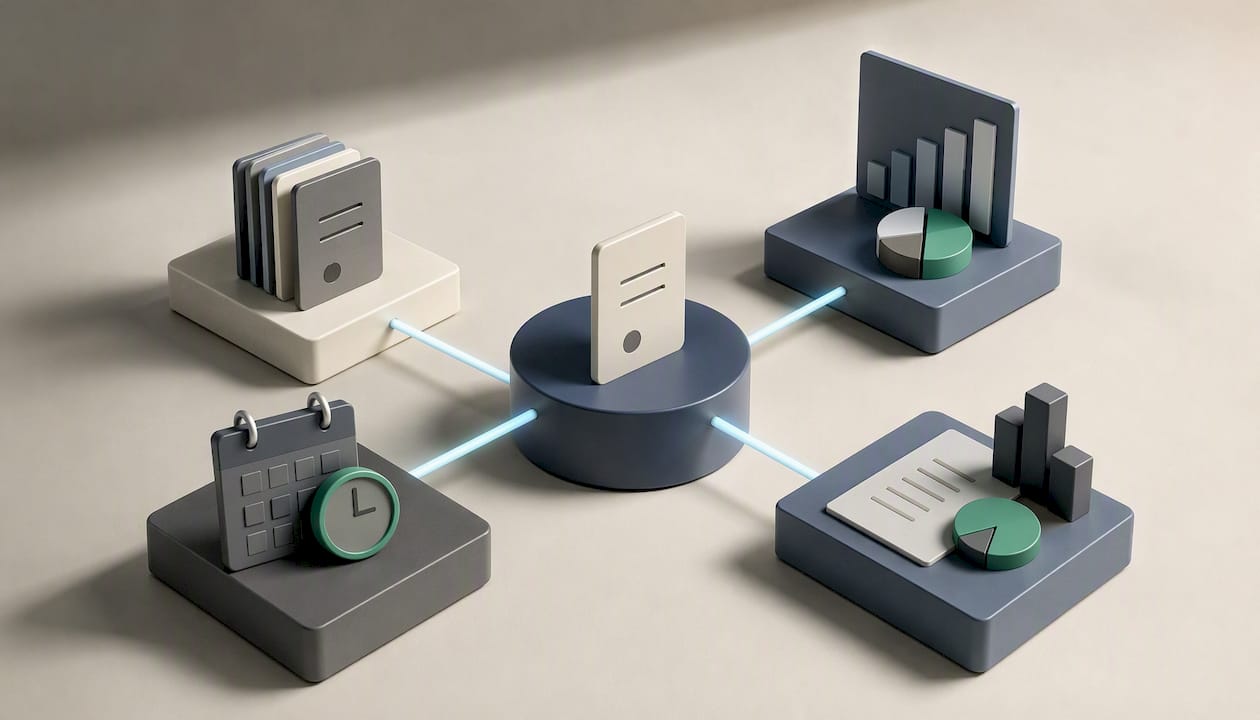
Watch for double entry. If your invoicing platform and your accounting software don’t talk to each other natively, someone on your team is manually re-entering the same invoice twice, which is exactly where duplicate invoices and mismatched totals creep in. A single connected system, where invoicing, scheduling, and financial reporting share one data source, removes that failure point entirely.
Firmanager Perspective: Why Automating Recurring Billing Pays Off for Service Teams
Field-service businesses lose more revenue to billing drift than to bad estimates. A missed recurring cycle or an expired card sitting unnoticed for weeks costs more than most owners realize. The fix isn’t more spreadsheets. It’s a small, disciplined pilot on a handful of accounts before automating your entire book. Start there.
— KaiosMedia
Set Up Recurring Invoices Faster With Firmanager
Firmanager gives service businesses one place to build recurring invoice templates, schedule billing cycles, and connect autopay collection to Stripe without juggling separate tools for scheduling, invoicing, and reconciliation.

Because Firmanager ties invoicing directly to work orders and customer records, your recurring template stays accurate when a job scope changes, and your reconciliation dashboard shows exactly which payments matched and which need a manual look. That connection between fieldwork and billing is where generic invoicing software falls short for service teams juggling multiple recurring contracts. If your business already handles staged or partial billing, Firmanager’s deposit invoice tools work alongside your recurring series rather than as a separate system. Start a trial on the Firmanager platform and pilot your first recurring invoice series with a small customer cohort this week.
Sources
- Recurring payments — Stripe Docs
- Recurring invoicing: What are recurring invoices? — Adobe
- How to set up recurring invoices: A quick guide — Stripe
Recommended
Run your whole business in one place
CRM, quotes, work orders, invoicing, expenses, HR and HSE — one login, every device. Free-forever plan.
Start free →