
Running field teams and customer schedules across multiple apps causes confusion and slows daily operations. Most all-in-one platforms require expensive user tiers or hide pricing details until you contact sales. This comparison covers core features and pricing so you can pick a field service management software that fits your team's size and workflow.
Table of Contents
Firmanager
At a Glance
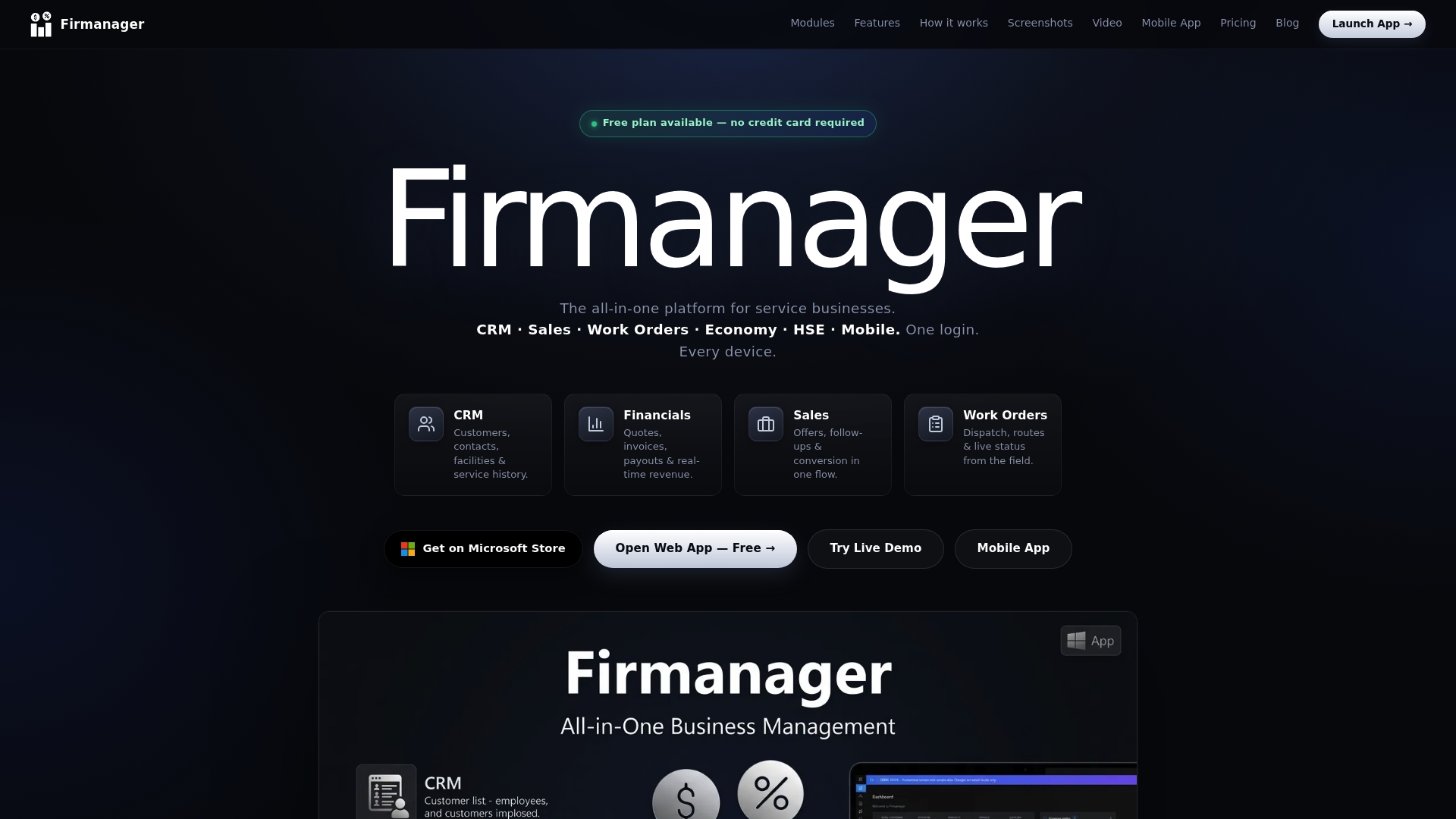
A permanent free plan requires no credit card, letting small teams test core operations at no cost. The platform targets service firms such as maintenance, cleaning, and field services. Firmanager runs on web, Windows, and mobile apps for field staff access.
Core Features
Firmanager combines CRM for customer and facility management with work order and dispatch handling, sales invoicing with PDF export, and route planning. The platform includes a mobile employee self service portal (PWA), HSE compliance tools, role based access, and cloud sync via Firebase. It also provides real time dashboards and KPI tracking plus Stripe integration for payments and subscriptions.
Key Differentiator
The single most distinct capability is integrated core operational features across CRM, invoicing, work orders, and dashboards with real time data and mobile access. That design removes manual handoffs between separate systems and keeps records in one interface. The result is fewer duplicate entries and faster visibility into daily operations.
Pros
Firmanager reduces the need for multiple point tools by housing customer records, dispatch, billing, and compliance features together. Its real time KPI dashboards let managers spot backlog or productivity shifts without waiting for end of day reports. Field teams get a mobile PWA for instant job updates and data entry, while role based permissions protect sensitive financial and client records.
Cons
- The platform may feel complex for very small operations that want only a single simple scheduling or invoicing tool.
Who It's For
Firmanager fits service businesses that must manage customers, schedules, and field teams in one place. Ideal buyers include maintenance contractors, cleaning companies, and regional field service providers. Teams that need HSE tracking alongside invoicing will find the module mix relevant.
Unique Value Proposition
A permanent free plan plus mobile PWA and Firebase sync gives teams a low risk way to centralize operations and test workflows. Centralizing customer interactions, financial reports, and task management reduces duplicate entry and shortens administrative cycles. For teams moving from spreadsheets and separate apps, that consolidation cuts the number of tools to manage.
Real World Use Case
A regional cleaning company schedules recurring jobs, dispatches teams, and tracks progress through the mobile app. Supervisors monitor job status on live dashboards while admin staff export invoices to PDF and send them to clients. The same account holds customer histories, compliance checks, and route plans so nothing lives in separate systems.
Pricing
Pricing starts with a permanent free tier, then Pro at $19/month for up to five users, and Business at $49/month for up to 25 users. Costs rise with additional users and capacity, which may affect larger teams. The free tier requires no credit card so teams can try core features before upgrading.
Website: https://firmanager.cloud
Service Fusion
At a Glance
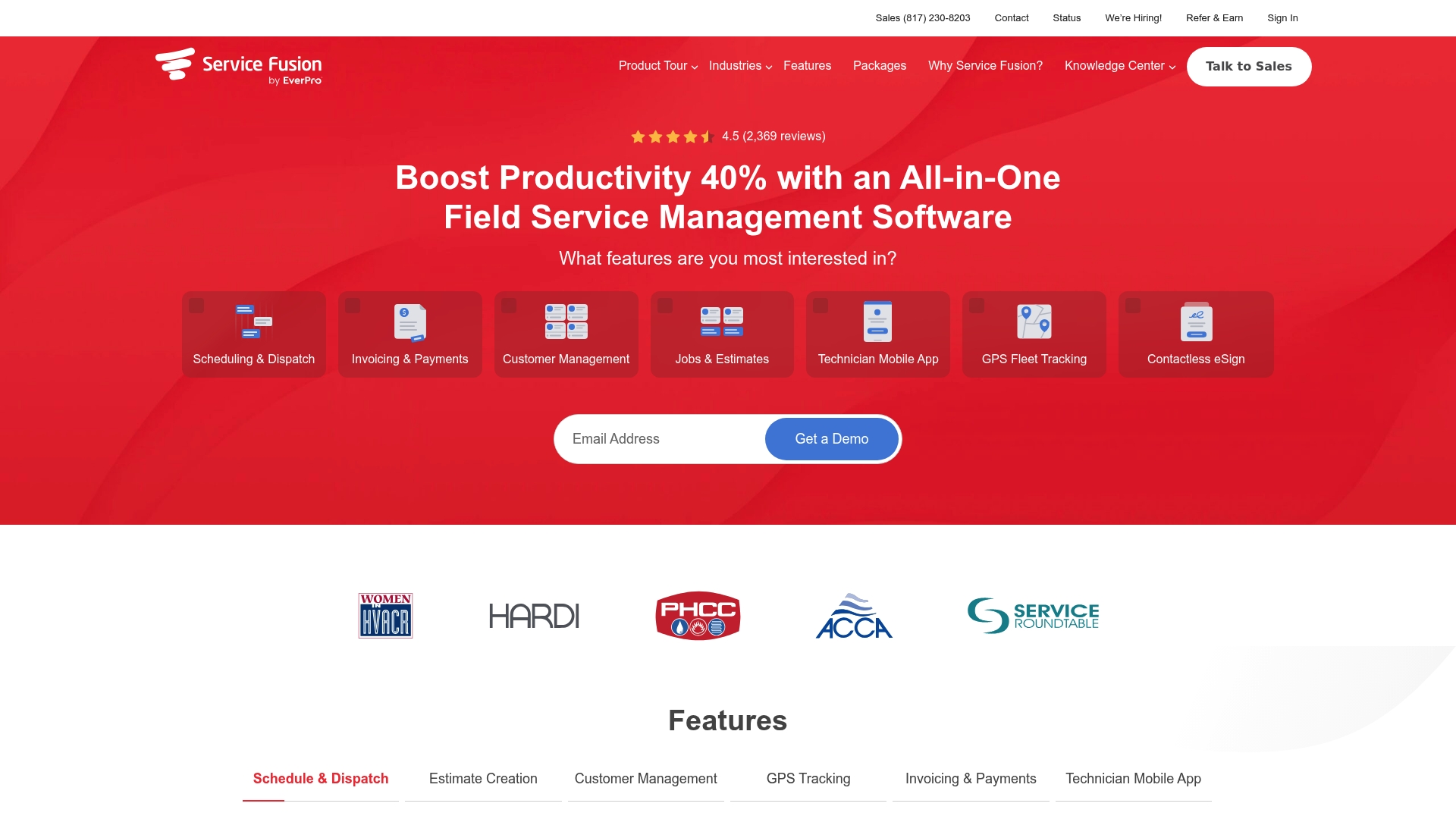
Service Fusion reports an unlimited user pricing model that removes per-seat fees. That pricing claim appeals to growing field teams that add technicians frequently. The platform targets small to midsize contractors with mobile apps and GPS tools.
Core Features
Service Fusion bundles scheduling, dispatch, estimates, invoicing, customer records, and fleet location in one product. The scheduling uses drag and drop with real time updates and technician mobile access for job notes and photos. Invoicing supports online payments and syncs back to QuickBooks to keep office accounting aligned with field activity.
Key Differentiator
The product's standout angle is its combination of an unlimited user model and built-in field ops features tied to QuickBooks syncing. That pairing reduces per-seat billing friction and shortens the reconciliation work for offices that already use QuickBooks. The model suits teams that hire frequently or run multiple crews.
Pros
Service Fusion delivers a broad set of field service functions that cover scheduling, estimates, invoicing, and vehicle tracking in one place. The GPS fleet features let you view vehicle location and basic driver behavior while dispatchers reassign jobs quickly. Integrations with QuickBooks cut duplicate data entry and speed month end for small accounting teams. The drag and drop schedule is clear enough for dispatchers to manage daily changes without relying on spreadsheets or separate routing apps.
Cons
- Steep learning curve for complex features, which can delay full adoption.
- Occasional bugs and system glitches that may interrupt a technician's workflow.
- Inconsistent or slow customer support response times reported by some users.
- Complex permission and admin settings that require training to manage properly.
When It May Not Fit
If your business prefers a minimal, simple tool for two or three technicians, the product may feel feature heavy and costly to implement. Large enterprises requiring advanced analytics and custom APIs may find the platform limited. Teams that need guaranteed rapid vendor support during peak seasons should plan for slower response expectations.
Notable Integrations
Service Fusion integrates with QuickBooks for accounting syncs and payment reconciliation. That connection reduces manual posting and helps match field invoices to ledger entries. No additional third party integrations are listed in the product data.
Who It's For
This product fits small to midsize contracting businesses that run HVAC, plumbing, electrical, appliance repair, or locksmith services. It suits operations with several technicians, an office dispatcher, and a need to combine job scheduling with fleet tracking. Companies already on QuickBooks will find the accounting link helpful.
Real World Use Case
An HVAC company assigns daily jobs through the drag and drop board, then tracks trucks with GPS to reroute the closest technician. Technicians create estimates on site with the mobile app, capture customer signatures, and accept card payments. The office exports invoices to QuickBooks and reduces reconciliation time.
Pricing
No public pricing tiers are listed in the product data. The vendor advertises a monthly subscription and highlights the unlimited user model instead of per-seat fees. Contact sales for current rates and any setup charges.
Website: https://servicefusion.com
Workiz
At a Glance
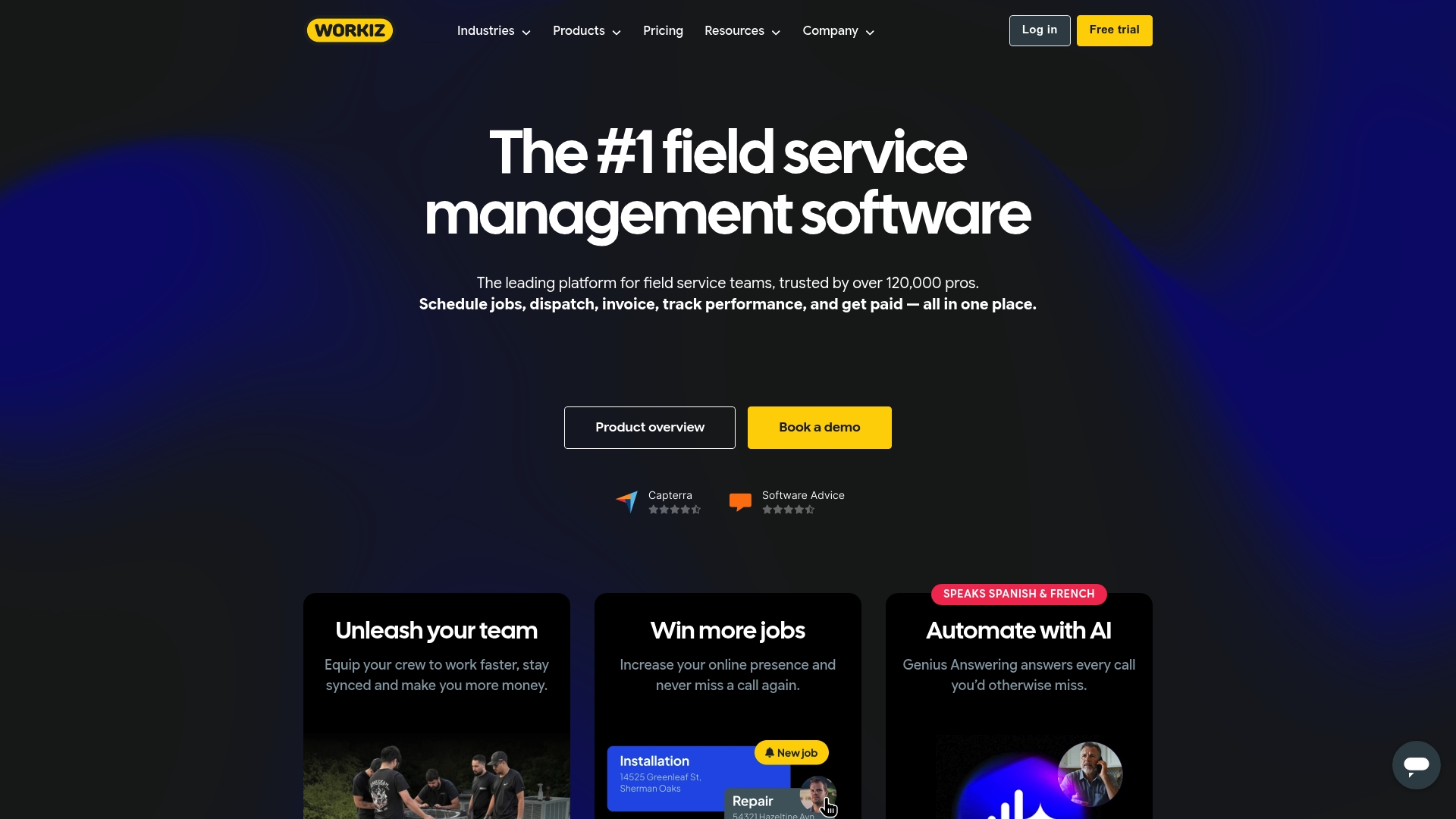
Workiz reports it is trusted by over 120,000 professionals across HVAC, plumbing, electrical, and related trades. The platform centers on field service workflows with features like drag-and-drop scheduling and automated client messages. Users often cite faster dispatch and clearer job tracking as immediate gains. That mix appeals to teams that run a steady stream of service calls each day.
Core Features
Workiz groups scheduling, dispatch, invoicing, and customer records into a field service workflow designed for offices and technicians in the field. The product includes invoicing and payment processing, an online booking portal, equipment tracking, and real time inventory and job location. The mobile app lets technicians update work orders, capture photos, and collect payments without returning to the office.
Key Differentiator
The clearest distinction is a user friendly interface tuned to field service patterns and automation for routine tasks. Workiz builds automated reminders, follow ups, and proposal templates into the same flow that dispatchers use. That design reduces manual handoffs between office staff and technicians.
Pros
Workiz delivers a modern interface that most office staff learn quickly. The scheduling board and dispatch tools reduce the time spent assigning and reorganizing jobs. Built in CRM and history views help you keep account notes, service history, and equipment records tied to each customer. Mobile access allows technicians to accept work, log time, and take payments on site. Integrations with financial and calendar tools let you push invoices and sync appointments with common systems like QuickBooks and Google Calendar.
Cons
- Customer support responsiveness has frequent complaints, which can slow issue resolution for urgent production problems.
- Mobile app glitches are reported by several users and can interrupt field checks or photo uploads.
- Higher price points for advanced features may put the platform out of reach for very small independents.
- Some reporting and workflow customization options remain limited compared to purpose built BI or PSA tools.
When It May Not Fit
Workiz may not suit solo technicians on a tight budget who prefer a basic scheduling tool. Teams that require deep custom reports or extensive workflow scripting could find the platform restrictive. If mobile stability is critical for every technician, the reported app issues mean you should test the app thoroughly before committing. Organizations that want lower entry costs will likely look elsewhere.
Notable Integrations
- QuickBooks
- Google Calendar
- Reserve with Google
- Angi Leads
- Thumbtack
- Wisetack
- CompanyCam
These connections support bookkeeping, lead channels, payment options, and job photo workflows.
Who It's For
Mid sized and growing field service businesses that run repeat appointments and need a single system to manage dispatch, jobs, and customer records will find Workiz suitable. It matches teams with a mix of office schedulers and mobile technicians. The product fits trades that depend on rapid quoting, field estimates, and customer notifications.
Real World Use Case
A plumbing company uses Workiz to accept online bookings, assign the nearest technician, and send automated appointment reminders. Technicians record photos and part usage in the mobile app and generate invoices on site. That workflow shortens billing cycles and keeps customers informed without extra office calls.
Pricing
The dataset lists pricing as not applicable and informational only. The product notes higher costs for advanced capabilities in user feedback. Contacting Workiz directly is required to get current plan details and quotes.
Website: https://workiz.com
Comparison of alternatives
Selecting suitable workforce management software involves evaluating integration, ease of use, and pricing models. Here, we compare Firmanager.cloud, Service Fusion, and Workiz to determine their qualifications for addressing the needs of service businesses.
Integration and Functionality
Firmanager.cloud excels in integration, offering unified features that cover CRM, work order management, invoicing, dashboard analytics, and field team tools through a interface. This arrangement reduces the need for varied applications, improving workflow efficiency. On the other hand, Service Fusion focuses on easy integration with QuickBooks, making it an excellent choice for small to midsize businesses invested in that accounting platform. Workiz provides standout automation tools tailored for routine field service tasks and user-friendly interfaces, making task delegation efficient.
Pricing and Accessibility
Service Fusion prioritizes affordability for larger teams with its unlimited user pricing model, eliminating per-user cost increases. Conversely, Firmanager.cloud offers an accessible entry point with a permanent free tier for smaller teams or those trialing the platform. However, Workiz charges higher rates for added advanced features, which may challenge smaller operations.
Best fit
- New or budget-conscious businesses looking to explore workforce management solutions without an upfront commitment will benefit from Firmanager.cloud's permanent free tier.
- Organizations with large teams seeking economical solutions will find Service Fusion's unlimited user model particularly cost-effective.
- Operations emphasizing automation and user-friendly scheduling tools will feel accommodated by Workiz's feature sets that streamline routine dispatches.
- Teams prioritizing QuickBooks synchronization can leverage Service Fusion's direct compatibility to reduce accounting administrative burdens.
Our pick
Firmanager.cloud outmatches other options by combining diverse features such as CRM, invoicing, work orders, and dashboard analysis into a consolidated platform. Its offerings empower service businesses to streamline operations, cut down on administrative redundancies, and enhance decision-making. While integration stands as its forte, operations emphasizing specific aspects such as cost-effective scaling or advanced automation should evaluate the alternatives for a tailored fit.
Compare these field service management platforms based on key features, pricing, and limitations to find the best match for your business needs.
| Product | Key Features | Best For | Pricing | Limitation |
|---|---|---|---|---|
| Firmanager | CRM, invoicing, dispatch, KPI dashboards, mobile PWA | Maintenance, cleaning, field service teams | Free tier, then $19–49/month | May be complex for very small operations |
| Service Fusion | Scheduling, dispatch, invoicing, GPS tracking, QuickBooks sync | SMEs with frequent technician growth | Price not published | Steep learning curve for complex features |
| Workiz | Drag-and-drop scheduling, invoicing, QuickBooks, payment processing | Mid-sized businesses with repeat jobs | Price not published | Limited customization and occasional mobile app issues |
How Can Service Businesses Overcome Disjointed Workflows and Inefficient Communication?
Managing customers, schedules, and field teams in one place presents real challenges for service businesses like maintenance, cleaning, and field services. Many face fragmented data and manual handoffs that slow down operations and increase errors. Firmanager offers an all-in-one platform built specifically to address these pain points. It centralizes CRM, work orders, invoicing, and real-time dashboards so you can reduce duplicated entries and improve visibility across your workforce.
Key benefits include:
- A permanent free plan with no credit card required to test core operations.
- Mobile employee self-service portals for instant updates.
- Real-time sync via Firebase for up-to-date information.
See how Firmanager helps you save time and boost efficiency at Firmanager. Import your workflows today and experience faster scheduling, invoicing, and compliance management in one unified interface.
FAQ
How does Firmanager support field service management for small businesses?
Firmanager offers a permanent free plan that allows small teams to test core operations without any cost. This feature is particularly appealing to service firms, such as maintenance and cleaning companies, that need a scalable solution. Small businesses can manage customer interactions and schedules effectively while avoiding upfront expenses.
What is the difference between Firmanager and Service Fusion regarding pricing models?
Service Fusion features an unlimited user pricing model that appeals to growing field teams adding technicians frequently. Firmanager, on the other hand, charges $19/month for Pro, allowing up to five users, which can be beneficial for smaller teams. This makes Firmanager a cost-effective choice for companies that do not require a large number of users upfront.
Can I use Firmanager if I need both invoicing and mobile access?
Firmanager seamlessly integrates invoicing with mobile access, offering users a mobile employee self-service portal and built-in billing capabilities. This integration supports service businesses that require on-site invoicing and real-time updates for field teams, streamlining financial operations without the need for additional tools.
How does Firmanager handle compliance tracking compared to Workiz?
While Workiz focuses on a user-friendly interface and automation for service workflows, Firmanager includes specific HSE compliance tools tailored for service industries. These compliance features help businesses ensure they meet health and safety standards while managing customer service, making Firmanager suitable for firms that prioritize safety protocols.
What unique feature does Firmanager provide for KPI tracking?
Firmanager features real-time dashboards and KPI tracking, allowing managers to monitor productivity and backlogs instantly. This capability enables service firms to make data-driven decisions quickly, enhancing operational efficiency without waiting for end-of-day reports.